
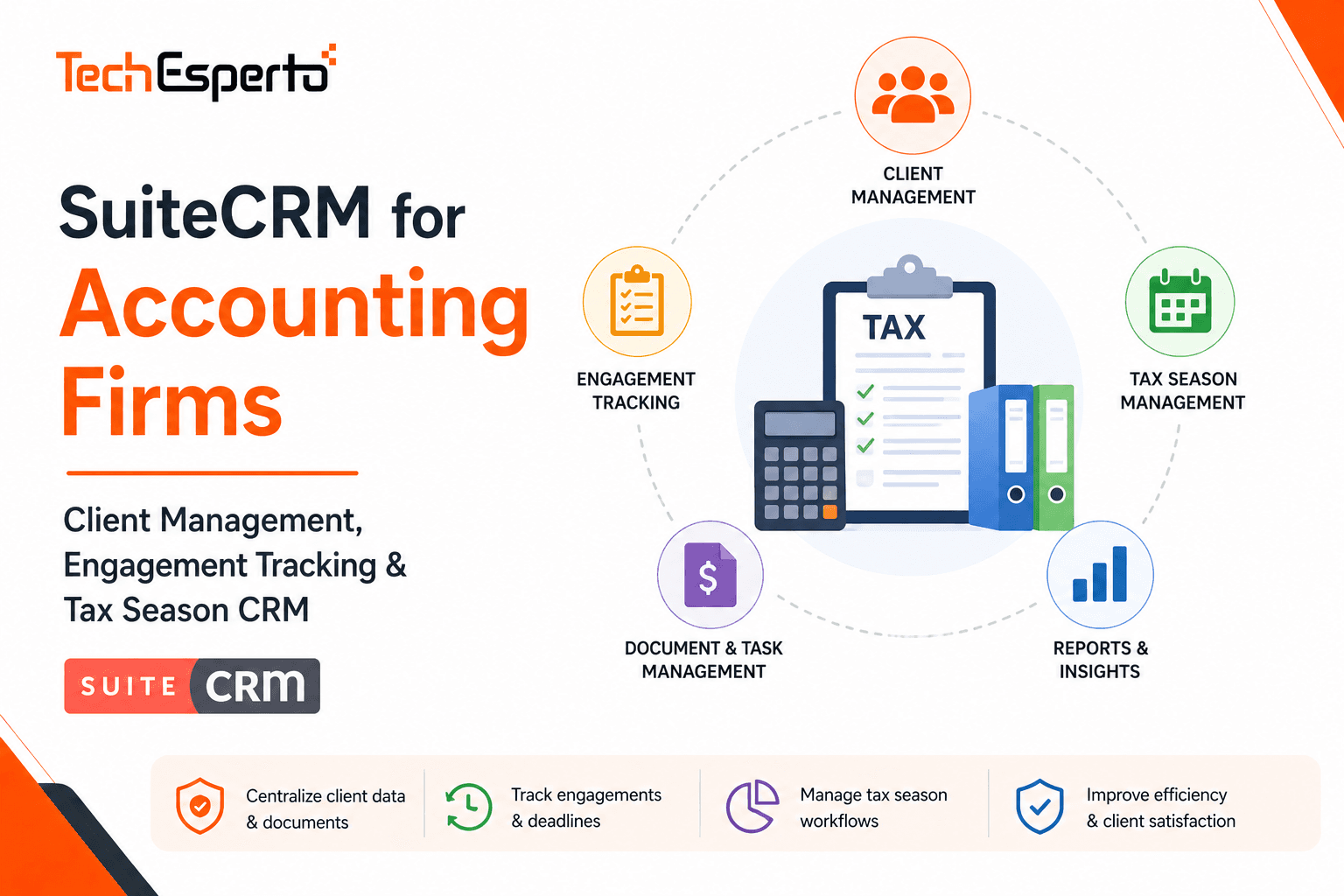
Accounting firms manage hundreds of client relationships — each with different service needs, filing deadlines, document requirements, and billing arrangements. During tax season, the volume explodes: thousands of returns, extension deadlines, missing documents, and client follow-ups happening simultaneously. Without a CRM, critical deadlines get missed, client communication falls through the cracks, and the firm’s most valuable asset — client relationships — lives in partners’ heads instead of a system.
Purpose-built accounting practice management tools like Karbon ($59–$79/user/month) and Canopy ($50–$90/user/month) address workflow needs but at costs that add up for growing firms. SuiteCRM provides a free, open-source CRM that can be customized into a complete accounting firm CRM — managing clients, engagements, deadlines, documents, billing, and business development — without per-user licensing.
Why Accounting Firms Need a CRM
Accounting is a recurring revenue business — most clients return annually for tax preparation, quarterly for bookkeeping, and monthly for advisory services. The firms that grow fastest are those that systematically nurture client relationships, cross-sell additional services, and generate referrals. Yet most firms manage these relationships reactively rather than proactively.
Without a CRM, firms can’t see which clients haven’t been contacted in 6+ months, don’t track which services each client uses (missing cross-sell opportunities), manage tax season deadlines across spreadsheets and sticky notes, lose relationship knowledge when staff members leave, have no systematic referral tracking to identify top referral sources, and struggle to onboard new clients consistently.
A CRM built for accounting transforms these ad-hoc processes into systematic operations that scale with the firm.
Building an Accounting CRM with SuiteCRM
Client & Entity Management
Use SuiteCRM’s Accounts module for client entities — individuals, businesses, trusts, and estates — with accounting-specific fields: entity type (individual, sole proprietor, partnership, S-Corp, C-Corp, LLC, trust, estate, nonprofit), fiscal year end, industry/occupation, tax ID (EIN or SSN — encrypted field), state(s) of filing, assigned partner and staff, fee arrangement (hourly, fixed, value-based), annual engagement value, client since date, and referral source.
Link multiple Contacts to each Account — the business owner, CFO, bookkeeper, attorney, financial advisor, and anyone else involved in the client’s financial affairs. Track every interaction in the timeline — calls, meetings, emails, and document exchanges.
Engagement & Service Tracking
This is the core module accounting firms need. Build a custom Engagements module tracking every service delivered to every client: engagement type (individual tax return, business tax return, quarterly bookkeeping, payroll, audit, advisory, estate planning, entity formation), tax year or service period, assigned preparer and reviewer, status pipeline (Not Started → In Progress → Pending Client Info → In Review → Approved → Filed/Delivered → Complete), key deadlines (original due date, extended due date), hours budgeted vs actual, documents received vs required, billing status (invoiced, paid, outstanding), and notes and workpaper references.
Configure the pipeline stages to match your firm’s workflow. Workflow automation triggers at each stage: when an engagement moves to “Pending Client Info,” send the client an automated email listing exactly which documents are still missing. When the deadline is 14 days away and status is still “Not Started,” escalate to the partner.
Tax Season Workflow Automation
Tax season is where CRM automation pays for itself. Build workflows that manage the entire season:
Client organizer distribution. January 15: automatically send tax organizers to all individual tax clients. Track who has returned their organizer and who needs follow-up at 2 weeks, 4 weeks, and 6 weeks.
Document tracking. Create a checklist of required documents per engagement type (W-2s, 1099s, K-1s, mortgage interest, charitable donations). As documents arrive, staff checks them off. Workflows alert clients about specific missing items — “We still need your 1099-INT from First National Bank.”
Deadline management. Workflows monitor every engagement’s due date: 30 days before deadline, verify engagement status is at least “In Progress.” 14 days before, send a status update to the client. 7 days before, if not in review, escalate to partner. On deadline day, if not filed, trigger extension workflow automatically.
Extension management. When an extension is filed, update the engagement’s due date to the extended deadline. Create new reminder workflows for the extended timeline. Notify the client of the extension with new expected completion date.
Post-filing follow-up. After filing, send the client a completion notification with copies of filed returns. Schedule a 30-day check-in to discuss tax planning for next year. Add the engagement for next year’s tax season pipeline automatically.
Document Management
Accounting firms handle massive document volumes. Use SuiteCRM’s Documents module linked to client Accounts and Engagements: categorize documents by type (tax return, financial statement, correspondence, engagement letter, signed documents), track version history for revised documents, link documents to specific engagements and tax years, and set retention policies per document type.
For deeper document management, SuiteCRM integrates with cloud storage platforms (Google Drive, SharePoint, Dropbox) and dedicated document management systems via REST API.
Billing & Fee Tracking
Build billing fields on Engagement records: fee type (hourly, fixed, value-based), quoted/estimated fee, actual hours × rate, invoice amount, payment status (invoiced, partial, paid, overdue), and WIP (work in progress) amount. Dashboards show total billings by partner, realization rate (billed vs standard), collection rate, aged receivables, and WIP across all engagements.
Integration with QuickBooks or Xero syncs invoices and payments — keeping CRM billing data and your firm’s own books aligned.
Business Development Pipeline
Accounting firms grow through referrals, networking, and cross-selling. Build a BD pipeline: Prospect Identified → Initial Meeting → Proposal Sent → Engagement Letter Sent → Signed → Onboarded. Track the source of every new client — referral from existing client, referral from attorney/banker/advisor, website inquiry, speaking engagement, or cold outreach.
Referral tracking is critical: build a Referral Sources module linking the referrer (existing client, attorney, financial advisor) to the resulting new client and their engagement value. Reports show lifetime referral value per source — which relationships generate the most new business. Automate thank-you communications after each referral and schedule quarterly relationship maintenance touches with top referral sources.
Cross-Sell Identification
One of CRM’s highest-value functions for accounting: automatically identify clients using only some of your services. Reports flag tax-only clients who don’t use bookkeeping (cross-sell monthly bookkeeping), bookkeeping clients without advisory services (cross-sell CFO advisory), individual clients who own businesses (cross-sell business tax and entity structuring), and clients approaching retirement (cross-sell estate planning and succession advisory).
Workflows create cross-sell opportunities automatically when these conditions are detected — assigned to the responsible partner with talking points.
Client Communication Campaigns
Use SuiteCRM’s Campaigns module for firm-wide communications: tax law change alerts and planning tips, quarterly newsletters with industry insights, year-end tax planning reminders (October–November), estimated tax payment reminders (quarterly), and firm news and event invitations.
Segment Target Lists by entity type, industry, and service level for relevant messaging — a real estate investor doesn’t need the same newsletter as a medical practice.
Accounting Dashboards
Build custom dashboards for each role:
For Partners: Client portfolio value, engagement pipeline by status, revenue vs budget, top referral sources, and cross-sell opportunities identified.
For Managers: Team workload (engagements per preparer), approaching deadlines, pending client documents, and WIP aging.
For Admin/Billing: Outstanding invoices, collection rate, invoices due this week, and client payment history.
Tax Season Dashboard: Returns completed vs total, returns in each stage, extensions filed, missing documents by client, and deadline countdown.
SuiteCRM vs Accounting Practice Tools
| Feature | SuiteCRM (Custom) | Karbon | Canopy |
| Licensing | $0 (unlimited users) | $59–$79/user/month | $50–$90/user/month |
| Annual Cost (10 staff) | ~$2,400 (hosting) | $7,080–$9,480 | $6,000–$10,800 |
| Client CRM | Full CRM with automation | Basic contacts | Basic contacts |
| Engagement Tracking | Custom module (free) | Workflow-focused | Tax-focused |
| Tax Deadline Automation | Custom workflows (free) | Built-in | Built-in |
| BD & Referral Tracking | Custom pipeline (free) | Limited | Not included |
| Marketing Campaigns | Built-in | Not included | Not included |
| Custom Modules | Unlimited | None | None |
| Data Ownership | Complete | Vendor cloud | Vendor cloud |
SuiteCRM saves $4,600–$8,400/year for a 10-person firm — and provides CRM capabilities (BD pipeline, referral tracking, marketing campaigns) that Karbon and Canopy don’t include at all.
Data Security & Compliance
Accounting firms handle the most sensitive client data — tax returns, financial statements, Social Security numbers, and bank details. SuiteCRM self-hosted provides complete control over data storage and encryption, role-based access ensuring staff only see assigned client data, audit trails tracking every data access and modification, and compliance with IRS Publication 4557 (Safeguarding Taxpayer Data) requirements. SuiteAssured adds enterprise-grade security certification.
Implementation
An accounting CRM deployment takes 8–12 weeks: core CRM setup, client migration, engagement module (weeks 1–4), tax season workflows, document management, billing integration (weeks 5–8), BD pipeline, referral tracking, campaigns, and dashboards (weeks 9–10), and training for partners, staff, and admin (weeks 11–12).
Timing tip: Implement between May and October — after tax season ends but well before the next one begins. This gives your team months to adopt the system before the January rush.
As the Official SuiteCRM Professional Partner, TechEsperto builds CRM solutions for professional services firms.Contact usfor a free accounting CRM consultation.


