
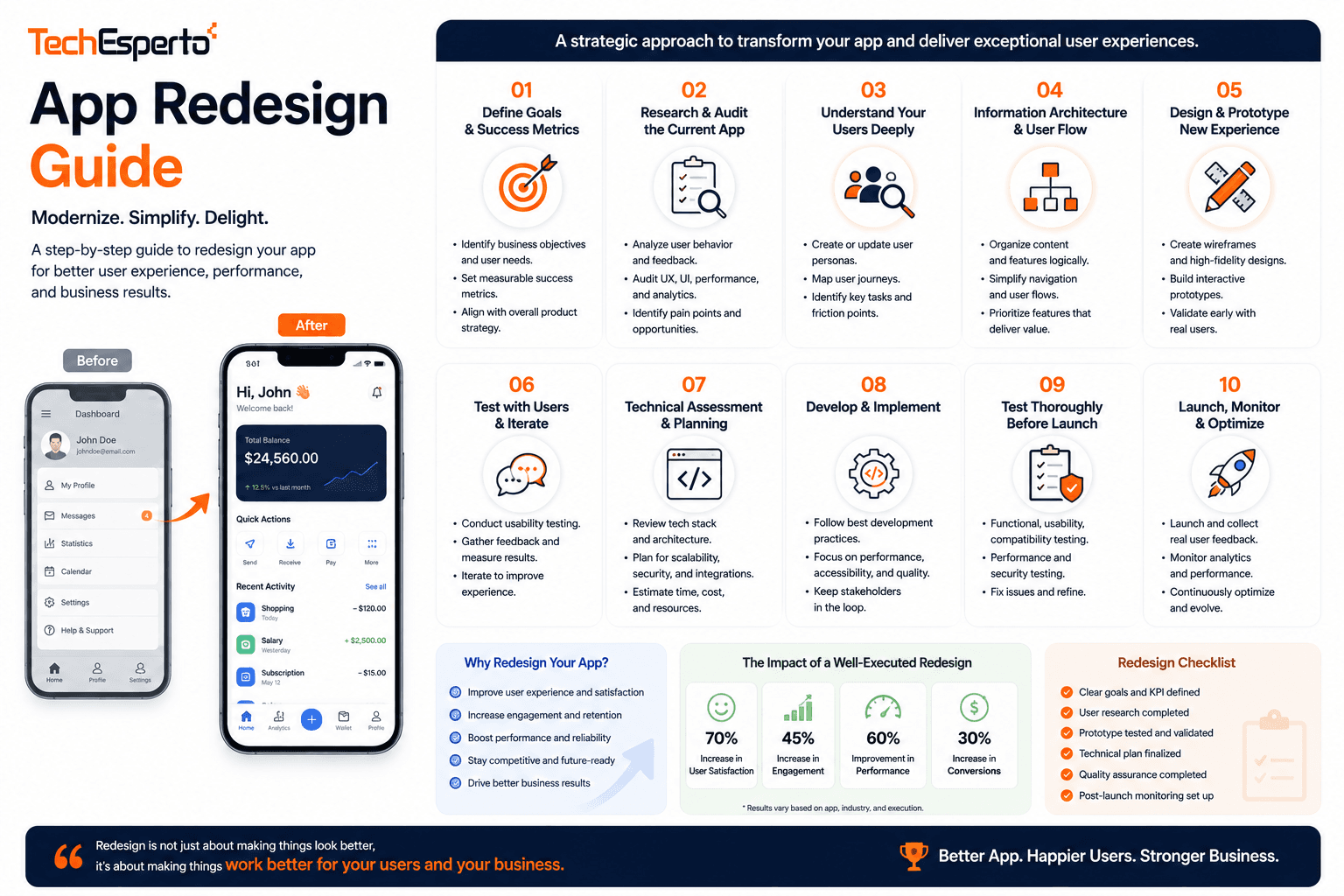
An app redesign is one of the easier decisions to get wrong, because the symptoms that prompt it, falling ratings, weak retention, a dated appearance, can each have entirely different causes. Some are design problems a redesign fixes. Others are performance, positioning, or market problems a redesign disguises for a quarter and then leaves unchanged. This guide covers how to establish what is actually wrong, when a full rebuild is justified against targeted improvement, and how to release significant changes without losing the users you already have.
Diagnosing Whether Design Is Really the Problem
Redesigns launched without diagnosis tend to change everything and fix nothing, because effort goes to whatever the team found visually unsatisfying rather than to what users struggled with. The distinction matters commercially: a visual refresh costs a fraction of a rebuild and delivers most of the perceived improvement when appearance is the genuine issue. Establishing which problem you have requires looking at behavioural data and user feedback before any design work begins.
Reading the Retention Curve
Where users drop determines the diagnosis. Loss in the first session points to onboarding or value clarity. Steady decline after week two points to the product itself rather than its interface.
Analysing Screen-Level Drop-Off
Funnel analysis identifies the specific screens where users abandon. Grounding decisions in data analytics prevents redesigning screens that were performing adequately.
Reading Store Reviews for Themes
Reviews describe problems in users’ own language. Recurring complaints about speed, confusion, or missing functionality separate design issues from performance and product gaps quickly.
Distinguishing Performance From Design
Users describe slow apps as badly designed. Check crash rates, load times, and network handling before concluding the interface is at fault, since redesigning a slow app leaves it slow.
Testing the Current App With New Users
Watching unfamiliar users attempt core tasks in the existing app reveals which problems are real. This costs little and frequently narrows the scope of work considerably.
Choosing Between Refresh, Redesign, and Rebuild
These are three different projects with very different costs, and conflating them is how redesigns overrun. A refresh updates visual styling within the existing structure. A redesign reworks flows and information architecture while keeping the underlying application. A rebuild replaces the technical foundation as well. Choosing correctly depends on whether your problems live in appearance, in structure, or in the codebase, which is a question the diagnosis phase should already have answered.
When a Visual Refresh Is Sufficient
If flows work and users complete tasks successfully but the app looks dated, updating typography, colour, spacing, and components addresses the actual problem at a fraction of redesign cost.
When Structural Redesign Is Justified
Confusion about where things are, abandoned flows, and features users cannot find indicate information architecture problems. These require reworking navigation and flows, not restyling existing screens.
When a Full Rebuild Is Warranted
Rebuilds make sense when the codebase blocks progress: unsupported frameworks, unmaintainable code, or architecture that prevents needed features. The signs of legacy modernisation apply to mobile apps as much as to backend systems.
Weighing Rebuild Cost Against Continued Maintenance
Compare the cost of rebuilding against the accumulating cost of working around existing constraints. Legacy software modernisation becomes the cheaper option once workarounds consume most of each release cycle.
Avoiding the Rewrite That Solves Nothing
Rebuilding without addressing the design and product issues reproduces the same experience on newer technology. Confirm what you are fixing before committing to the largest available option.
Scoping and Designing the Change
Once the diagnosis is settled, scope discipline determines whether the project lands. Redesigns attract accumulated wishes from every stakeholder, and a project that started as a navigation fix becomes a full product revision. The protection is a defined objective, agreed at the outset, against which every proposed addition is assessed. Anything that does not serve the stated objective belongs in a backlog for later consideration rather than in this release.
Defining the Objective in Measurable Terms
State what the redesign is for: raising activation, reducing abandonment at a specific step, or supporting a new use case. Vague modernisation goals produce unbounded scope.
Prioritising the Highest-Impact Screens
Most usage concentrates in a small number of screens. Redesigning those first delivers most of the available improvement and can often ship before the remainder is complete.
Preserving What Currently Works
Existing users have learned your app. Changing familiar patterns without cause creates a relearning cost that shows immediately in engagement, so retain what performs adequately.
Validating New Flows Before Building
Test redesigned flows as prototypes with existing users. Structured UI UX design validation catches problems while changes remain cheap to make.
Planning for Data and Account Migration
Redesigns that change data structures need migration paths tested against real accounts. Users losing history or settings during an update react more strongly than to any interface change.
Releasing Without Losing Existing Users
A redesign is the point of maximum disruption for people who already use your app daily. They did not ask for it, they have to relearn things they knew, and the change arrives without warning through an automatic update. Handled carelessly, this produces a wave of negative reviews from your most engaged users. Handled deliberately, through staged release, communication, and monitoring, most of that reaction is avoidable.
Rolling Out Gradually
Release to a small percentage first and monitor retention, crash rates, and reviews before widening. This limits exposure if the redesign performs worse than the version it replaced.
Communicating Changes in Advance
Tell active users what is changing and why before the update arrives. Unexplained disruption generates far more negative feedback than the same change with context provided.
Guiding Users Through What Moved
Brief in-app pointers showing where relocated features now live reduce the support burden and the frustration that drives review-writing during the first days after release.
Monitoring Closely Through the First Weeks
Watch retention, session length, and support volume against pre-release baselines. A redesign that reduces engagement needs identifying quickly, while reverting remains practical.
Committing to Post-Release Iteration
The first release will have problems real usage reveals. Arranging maintenance and support capacity for rapid follow-up releases determines whether those problems get fixed or persist.
Frequently Asked Questions
How do I know when my app needs a redesign?
Look at behaviour before appearance. Consistent drop-off at particular screens, users unable to find features, and review themes describing confusion indicate genuine design problems. Simply looking dated, with healthy retention and task completion, usually warrants a visual refresh instead.
How long does an app redesign take?
It depends on which of the three options you are running. A visual refresh is considerably shorter than a structural redesign, which is shorter than a full rebuild. Diagnosing correctly is what prevents committing to the largest option unnecessarily.
Will a redesign hurt my existing users?
It can, if changes arrive unannounced and familiar patterns move without explanation. Staged rollout, advance communication, and in-app guidance to relocated features prevent most of the negative reaction that redesigns otherwise generate among daily users.
Should I redesign or rebuild?
Redesign when flows and structure are the problem but the codebase is sound. Rebuild when the technical foundation blocks the changes you need, using unsupported frameworks or architecture that prevents planned features. Rebuilding to fix design issues alone is disproportionate.
How do I measure whether a redesign worked?
Against the objective you set beforehand: activation rate, completion of a specific flow, retention at a given day, or support contact volume. Comparing against pre-release baselines is the only way to distinguish improvement from preference.
Can I redesign gradually rather than all at once?
Yes, and it is usually safer. Redesigning the highest-traffic screens first delivers most of the benefit while limiting disruption, and it lets you validate the new direction with real usage before applying it across the whole application.


