
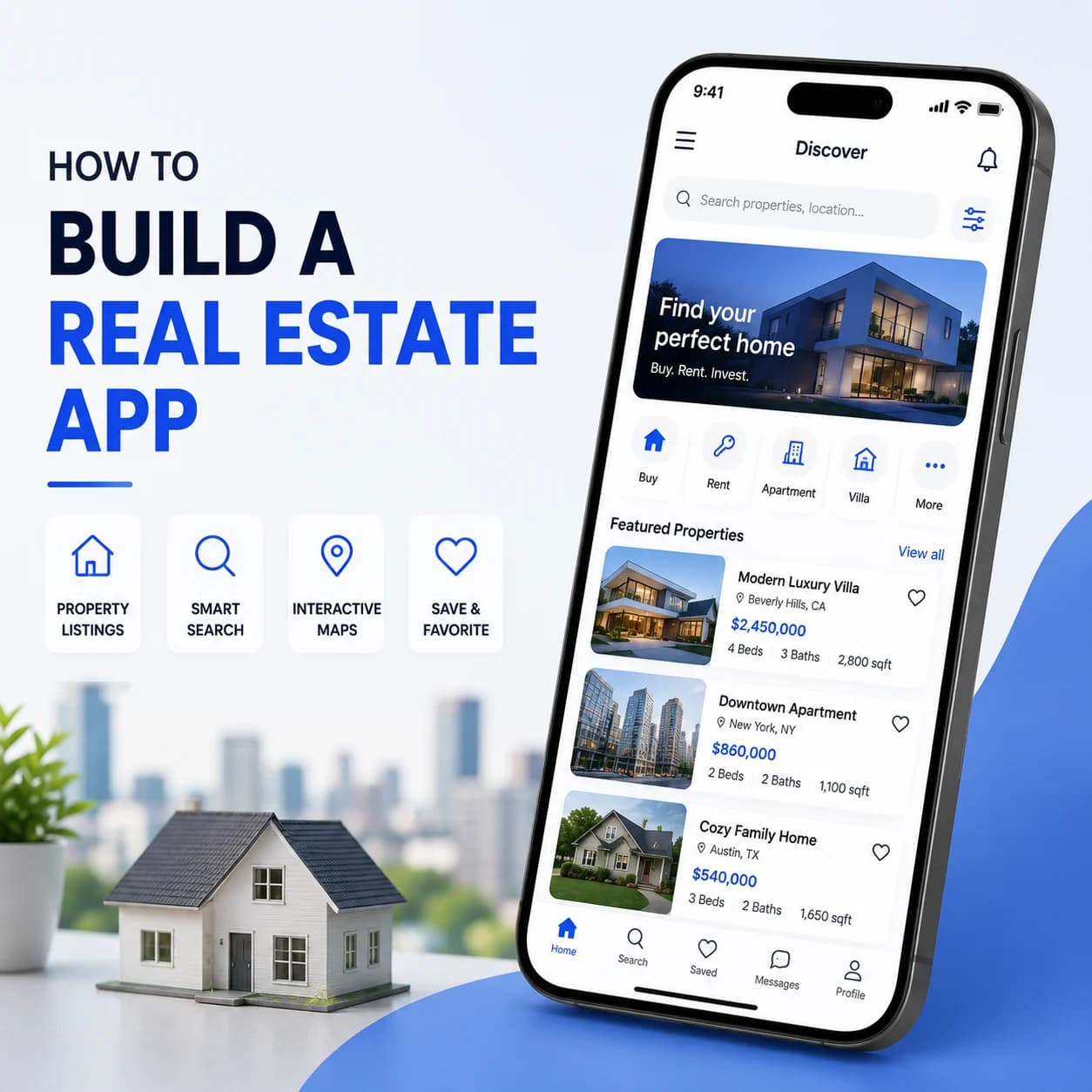
Building a real estate app is fundamentally a data integration project. The interface is a search and a listing detail page, neither of which is difficult. The work sits in acquiring listing data legally, keeping it synchronised as thousands of records change daily, and handling the licensing rules that govern how it may be displayed. This guide covers listing data sources and their constraints, sync architecture, search design, media handling, and routing enquiries into a CRM.
Listing Data Sources and Access
You cannot build a listings app without a data agreement, and this is the part that determines your timeline more than any engineering decision. Access is licensed, regionally fragmented, and comes with display rules you must follow. Confirm what you can obtain and what you are permitted to do with it before scoping anything else.
MLS and IDX Access
In North American markets, listing data comes through MLS organisations under IDX agreements. Access requires broker participation and approval, which runs on their timeline rather than yours.
RESO Web API and Legacy Formats
Modern access uses the RESO Web API standard. Older RETS feeds still exist in places, and field naming varies between MLS organisations even under the standard.
Regional and Portal Feeds
Outside North America, data typically comes from national portals or aggregators with their own formats and terms. Confirm coverage before assuming availability.
Direct Agency Data
Where you work with specific agencies, you may ingest their listings directly. Simpler commercially, considerably more variable technically.
Display Rules and Attribution
Licences dictate what you may show, how you must attribute, and how quickly you must remove withdrawn listings. These are contractual requirements with real engineering implications.
Sync Architecture
Listing data changes constantly, with new listings, price changes, status transitions, and withdrawals arriving throughout the day. A naive full-replace import is slow, expensive, and produces visible gaps. Incremental synchronisation with proper change tracking is the only workable approach at any real listing volume.
Incremental Rather Than Full Sync
Pull only records modified since your last successful run. Full replacement at scale is slow and creates windows where listings are missing or duplicated.
Handling Deletions and Withdrawals
Records disappearing from a feed must be removed or marked promptly, since licences frequently mandate this. Absence is a signal your sync must detect explicitly.
Field Mapping and Normalisation
Field names and value conventions differ between sources. Our API integration services work builds the mapping layer that produces one internal schema.
Reconciliation and Drift Detection
Compare record counts and spot-check fields regularly. Sync failures are usually silent, producing plausible but stale data nobody notices for weeks.
Historical Data Retention
Price history and status changes are valuable product features. Decide what you retain before overwriting records, because history cannot be reconstructed later.
Search and Geospatial Design
Property search is the primary interaction and it combines filtering, spatial queries, and ranking in one operation. Users filter by price, bedrooms, and type while drawing a boundary on a map, which is a demanding query pattern. This needs a dedicated search index rather than database queries.
Dedicated Search Index
A search engine handling faceted filters and geospatial constraints together. Database queries with many optional filters degrade quickly at listing volume.
Map-Based and Polygon Search
Users draw boundaries and pan maps, generating continuous spatial queries. Index for bounding box and polygon containment rather than radius alone.
Clustering at Zoom Levels
Rendering thousands of individual pins is unusable and slow. Server-side clustering by zoom level is a requirement rather than an optimisation.
Saved Searches and Alerts
Stored search criteria evaluated against new listings, triggering notifications. This is a background matching job and the main retention mechanism in these apps.
Neighbourhood and Boundary Data
School zones, neighbourhood boundaries, and transit data come from separate sources. Our data-migration work handles importing and maintaining these reference datasets.
Media and Listing Presentation
Property listings are media-heavy, with dozens of images per listing plus floor plans and increasingly video or virtual tours. Media is usually hosted by the data provider rather than by you, which introduces both licensing constraints and reliability dependencies you do not control.
Image Sourcing and Caching
Media URLs from feeds may expire or rate-limit. Cache within your licence terms and serve resized variants rather than hotlinking originals.
Delivery and Payload Management
Property galleries dominate page weight. Serve display-sized images progressively rather than loading a full gallery at once.
Floor Plans, Video and Tours
These arrive in varied formats or as third-party embeds. Confirm which your data source actually supplies before designing the detail screen.
Detail Screen Data Density
Listings carry many fields of varying availability. Our web application development work designs for sparse data rather than assuming complete records.
Lead Handling, Sequencing and Pitfalls
The commercial purpose of a real estate app is generating enquiries and routing them to agents quickly, since response speed strongly influences conversion. That makes CRM integration a core requirement rather than a later addition. Combined with a sensible build order, the pitfalls below cover most of what goes wrong on these projects.
Routing Enquiries to Agents
Enquiries must reach the right agent immediately with listing context attached. Our CRM solutions work handles this routing and attribution.
Suggested Build Order
Data agreement and ingestion first, then normalisation and storage, then search and map, then listing detail, then saved searches and alerts, then lead capture and CRM routing.
Pitfall: Building Before Data Access Is Confirmed
MLS approval can take months and is outside your control. Teams that build the app first frequently wait on data they assumed would be straightforward.
Pitfall: Underestimating Field Variation
Assuming consistent field names and value conventions across sources produces a mapping layer rewrite once the second feed is added.
Pitfall: Silent Sync Failure
A sync job that runs successfully while ingesting nothing serves stale listings indefinitely. Validate record counts and freshness, not only job completion.
Pitfall: Ignoring Display and Removal Rules
Licence terms dictate attribution and how fast withdrawn listings must disappear. Non-compliance risks losing data access entirely, which ends the product.
FAQs
How do real estate apps get listing data?
In North America through MLS organisations under IDX agreements, which require broker participation and approval. Elsewhere through national portals, aggregators, or direct agency feeds. Access is licensed and comes with display and removal rules you must follow.
What is the RESO Web API?
The modern standard for accessing MLS listing data, replacing older RETS feeds. It standardises access patterns, though field naming and value conventions still vary between MLS organisations, so a normalisation layer remains necessary.
How should listing data be synchronised?
Incrementally, pulling only records modified since the last successful run, with explicit handling for records that disappear from the feed. Full replacement is slow at scale and creates windows where listings are missing or duplicated.
Why do real estate apps need a dedicated search index?
Because property search combines many optional filters with geospatial constraints in a single query, which degrades badly on database queries at listing volume. A search engine handles faceted filtering and spatial containment together efficiently.
What is the biggest risk in a real estate app project?
Data access. MLS approval runs on the organisation’s timeline and can take months. Teams that build the application before confirming access frequently finish the software and then wait, unable to launch anything.
How should property images be handled?
Cache within your licence terms rather than hotlinking provider URLs, which may expire or rate-limit. Serve resized variants sized for display and load galleries progressively, since property imagery dominates page weight.


