
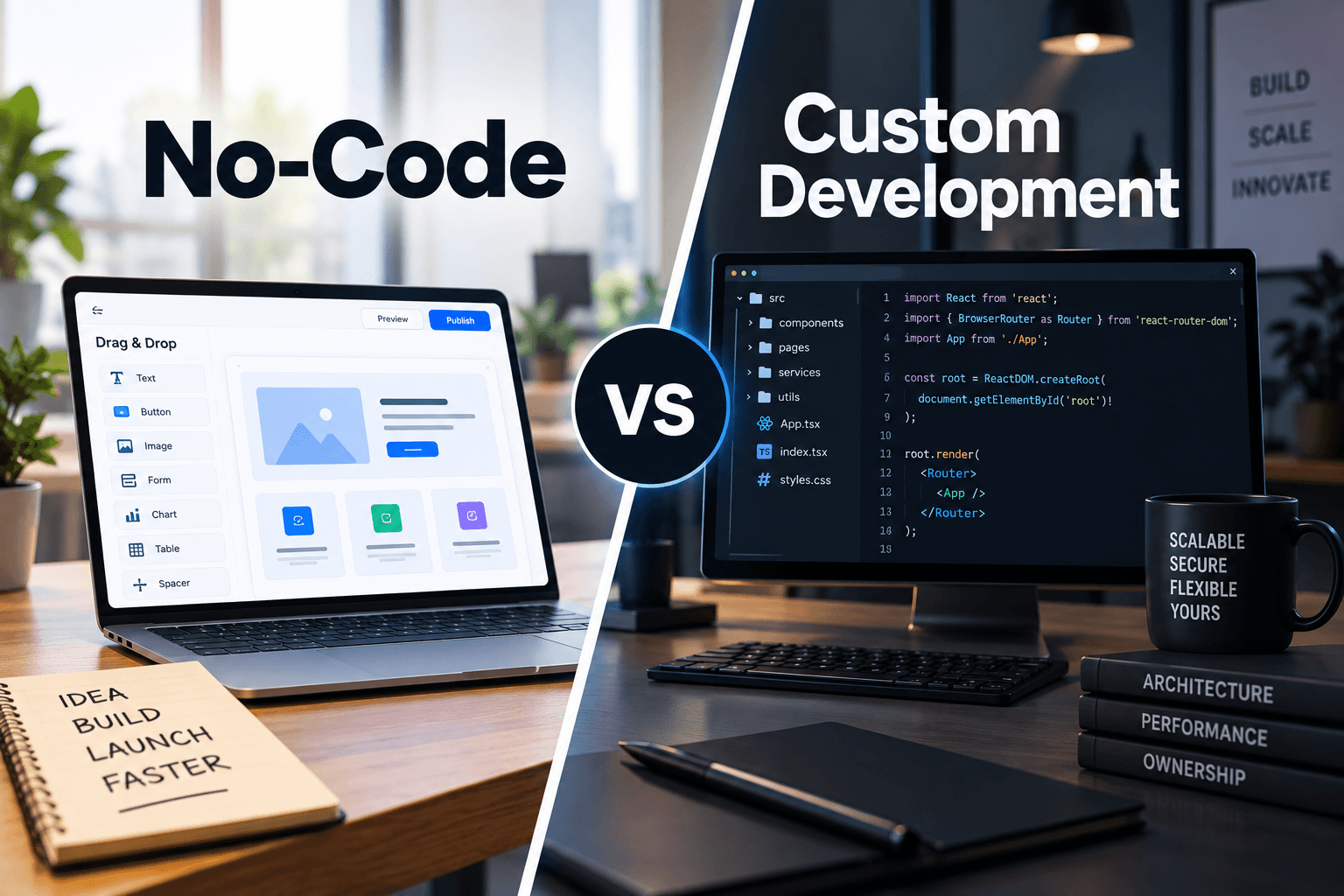
No-code platforms are genuinely good at what they do, and almost every one of them has a ceiling that arrives sooner than teams expect. That ceiling is the useful subject, because the decision is rarely no-code or custom from the start. It is usually no-code first, which is often correct, then a migration decision made under pressure once the platform stops accommodating the business. This piece covers where the ceiling sits, how to recognise you have reached it, and what migration actually costs.
What No-Code Genuinely Does Well
Starting honestly about the strengths matters, because dismissing no-code produces worse decisions than overusing it. For a substantial set of problems it is the correct answer and building custom would be waste. The pattern is standard processes, modest scale, and requirements that fit what the platform already does.
Internal Tools and Workflows
Approval flows, request forms, and internal trackers. Fast to build, easy to change, and rarely justifying a custom build.
Validating a Product Concept
Testing whether people want something before committing to development. Frequently the fastest and cheapest validation available.
Standard Business Processes
Where your process resembles what most businesses do, platforms already model it. Our business process automation work uses these tools where they fit properly.
Low-Volume Operations
Modest record counts and user numbers sit comfortably within platform limits, where performance and pricing both work.
Where Speed Beats Ownership
Short-lived needs and experiments where the tool will be discarded before its limitations become constraints.
Where the Ceiling Actually Sits
Platform limits are not primarily about how much you can build. They are about the specific things you cannot do, and every platform has a different set. The common ones below are where most teams eventually meet resistance.
Complex Business Logic
Conditional rules with many interacting branches become unmanageable in visual builders. Logic that is trivial in code becomes a maze of nested conditions.
Performance at Data Volume
Platform query performance degrades at record counts that a properly indexed database handles easily. This limit arrives with growth rather than with features.
Integration Depth
Platform connectors handle common cases and struggle with unusual APIs, custom authentication, or high-volume synchronisation. Our api-integration-services work covers what connectors cannot.
Interface Precision and Performance
Specific interaction design, custom components, and demanding rendering exceed what visual builders produce.
Compliance and Data Control
Where data must reside somewhere specific, be audited in a particular way, or meet enterprise security review, platform constraints frequently become blocking.
Signals You Have Reached It
The ceiling is usually reached gradually, and teams often work around it for months before recognising the pattern. The signals below are the reliable ones. When several appear together, the platform has stopped being a tool and become a constraint on the business.
Workarounds Outnumber Features
Increasing amounts of the system exist to work around platform limitations rather than to serve the business.
Costs Rising Faster Than Usage
Per-user or per-record pricing that grows disproportionately, particularly once you need higher tiers for one specific capability.
Changes Taking Longer Than They Should
Simple modifications requiring careful navigation of accumulated complexity. This is technical debt in a visual builder rather than in code.
Requirements Being Declined
The business asking for something and being told the platform cannot. When that becomes routine, the tool is setting your product direction.
External Code Appearing Anyway
Custom scripts and external functions accumulating around the platform. At that point you are maintaining custom code without the benefits of owning the whole system.
What Migration Actually Costs
This is the part rarely discussed honestly. Migration is not rebuilding the visible functionality, which is usually the smaller part. It is data extraction, business logic recovery, integration rebuilding, and running both systems in parallel during transition.
Data Extraction and Restructuring
Platform data models are shaped by the platform. Extracting and restructuring it for a proper schema is real work, and our data migration practice exists largely for this.
Recovering Undocumented Business Logic
Rules encoded in visual builders over years, often by people who have left. Reconstructing intent is frequently the largest single cost.
Rebuilding Integrations
Every connector becomes a custom integration. These were the cheapest part of the platform and become a substantial line item.
Parallel Running and Cutover
Both systems operating during transition, with reconciliation between them. Adds cost and duration, and is usually unavoidable for anything operational.
Realistic Planning
Budget considerably more than the visible functionality suggests. Our custom software development scoping assesses the recoverable logic before estimating.
How to Use No-Code Without Getting Trapped
The practical position is using these tools deliberately with awareness of the exit. Several decisions taken early reduce migration cost substantially at almost no present expense, and they are worth making even when you expect to stay on the platform.
Keep Data Portable
Prefer platforms with genuine data export and clean models. Where the platform holds your data in a shape only it understands, exit cost rises sharply.
Document Business Logic Outside the Platform
Record rules in writing as you build them. This is the single highest-return habit for reducing eventual migration cost.
Use It for the Right Layer
No-code for internal tools and workflow, custom for the product customers depend on. Mixing deliberately beats committing entirely either way.
Set a Review Trigger
Agree in advance what would prompt a migration assessment, such as user count, record volume, or a declined requirement.
Plan the Exit Before You Need It
Knowing what migration would involve, before you are forced into it, converts a crisis into a scheduled project.
FAQs
When should I move from no-code to custom development?
When workarounds outnumber features, when platform costs rise faster than usage, when simple changes take disproportionately long, or when the business is routinely told a requirement is impossible. Several of those appearing together is the reliable signal.
What are the main limitations of no-code platforms?
Complex conditional business logic, query performance at higher data volumes, integration depth beyond standard connectors, precise interface control, and compliance requirements around data residency, auditing, and enterprise security review.
What does migrating off a no-code platform cost?
More than rebuilding the visible functionality. The larger costs are data extraction and restructuring, recovering business logic encoded in the builder over years, rebuilding every connector as a custom integration, and parallel running during cutover.
Is no-code a bad choice for a startup?
No, it is frequently the right choice for validation, since it is the fastest way to test whether people want something. The mistake is staying on it past the point where it constrains the product, without having planned the exit.
How can I reduce the cost of leaving a platform later?
Choose platforms with genuine data export and clean data models, document business rules in writing outside the builder as you create them, and use no-code for internal tools rather than for the product your customers depend on.
Can no-code and custom development be combined?
Yes, and that is usually the best arrangement. No-code for internal workflow and operations where speed matters and requirements are standard, custom development for the customer-facing product where control, performance, and ownership matter.


