
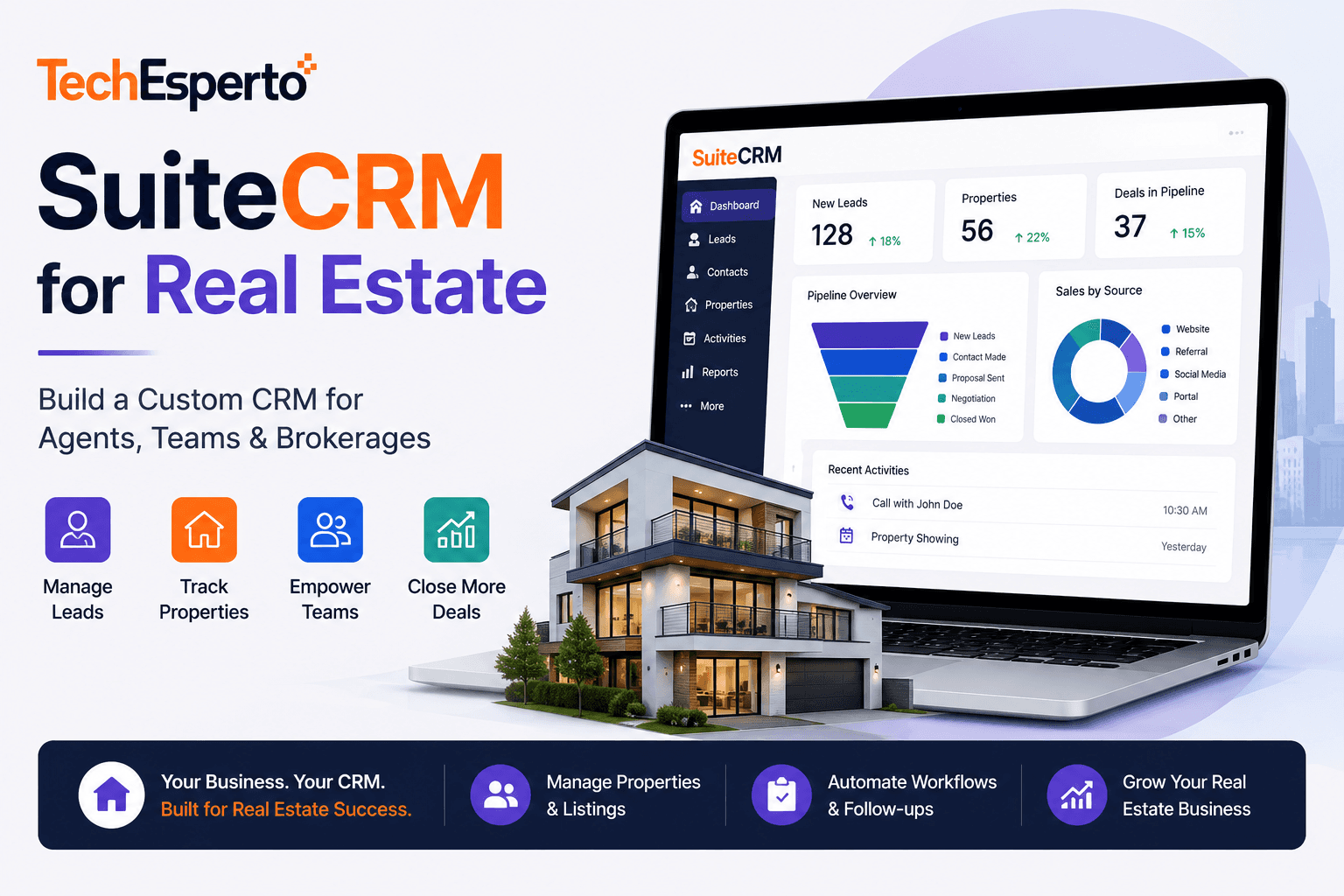
Real estate professionals live and die by their ability to manage leads, nurture relationships, and close deals on time. Most real estate CRMs charge $100–$600/month per agent for these capabilities — and lock you into rigid workflows that may not match how your team actually operates.
SuiteCRM offers a radically different approach: a completely free, open-source CRM that can be customized to match any real estate workflow — from solo agent lead management to multi-office brokerage operations — without per-user fees or feature restrictions.
This guide explains how to configure SuiteCRM for real estate, which custom modules to build, and why it can outperform purpose-built real estate CRMs at a fraction of the cost.
Why Real Estate Businesses Need More Than a Generic CRM
Real estate has unique CRM requirements that generic platforms don’t address out of the box. Agents need to track not just contacts and deals, but properties, listings, showings, offers, inspections, appraisals, closing timelines, and referral relationships. The sales cycle involves multiple parties — buyers, sellers, co-agents, lenders, title companies, inspectors — each with different communication needs.
Purpose-built real estate CRMs like Follow Up Boss ($69–$1,000+/month), Lofty ($449+/month), and Wise Agent ($49/month per user) address these needs but come with recurring costs that add up fast for growing teams. A 10-agent brokerage on Follow Up Boss can easily spend $5,000–$10,000/month.
SuiteCRM provides the foundation to build everything these platforms offer — with zero licensing costs and unlimited customization to match your exact processes.
Configuring SuiteCRM for Real Estate
Custom Modules to Build
SuiteCRM’s Module Builder and custom development capabilities let you create real estate-specific modules that purpose-built CRMs include by default:
Properties Module: Track listings with fields for address, MLS number, listing price, property type (residential, commercial, land), bedrooms, bathrooms, square footage, lot size, listing status (active, pending, sold, expired), listing agent, and photos. Relate properties to contacts (buyers interested, seller owners) and deals (offers made).
Showings Module: Log property showings with date, time, property, buyer contact, showing agent, and feedback. Automated workflows can send showing confirmation emails to buyers and feedback request emails to agents 24 hours after each showing.
Offers & Transactions Module: Track offers from submission through negotiation, acceptance, inspection, appraisal, financing, and closing. Custom fields capture offer price, contingencies, closing date, earnest money, lender information, and transaction status. Workflows trigger task reminders for each milestone — inspection scheduling, appraisal ordering, title search, document signing.
Referral Sources Module: Track where leads originate — Zillow, Realtor.com, website forms, past client referrals, open houses, social media, sign calls. Relate referral sources to leads and closed deals to calculate ROI per lead source.
Adapting Core Modules
SuiteCRM’s existing modules map naturally to real estate workflows with minor customization:
Leads → Buyer & Seller Inquiries. Customize the Leads module with fields for property interest (buying/selling/both), price range, preferred areas, timeline, pre-approval status, and current home ownership status. Web-to-Lead forms on your website capture new inquiries directly into SuiteCRM.
Contacts → Clients & Partners. Use Contacts for active clients, past clients, referral partners, lenders, title companies, inspectors, and attorneys. Custom relationship types let you track which lender is preferred by which client, which inspector was used on which transaction.
Opportunities → Active Deals. Map opportunity stages to your real estate pipeline: New Lead → Qualified → Showing → Offer Submitted → Under Contract → Inspection → Appraisal → Clear to Close → Closed. Probability percentages on each stage enable accurate pipeline forecasting.
Cases → Client Issues & Requests. Track post-closing issues, maintenance requests, or warranty claims using the Cases module — maintaining long-term client relationships that generate referrals.
Campaigns → Marketing. Use SuiteCRM’s Campaigns module for just-listed/just-sold announcements, neighborhood market updates, open house invitations, seasonal client touchpoints, and anniversary/birthday messages. Segment target lists by buyer/seller, price range, area, and engagement level.
Automating Real Estate Workflows
Automation is where SuiteCRM transforms from a contact database into a revenue-generating engine. Here are the key workflows every real estate team should build:
Lead Response Automation
Speed-to-lead is critical in real estate — the first agent to respond wins the client. Configure workflows that trigger the moment a new lead enters SuiteCRM: send an immediate acknowledgment email or text (via Twilio integration), assign the lead to the next available agent using round-robin distribution, create a follow-up call task due within 5 minutes, and notify the assigned agent via email and mobile push notification.
Drip Campaign Sequences
Not every lead is ready to transact immediately. Build automated drip sequences for different lead types: buyer leads receive property alerts matching their criteria weekly, seller leads receive comparative market analysis updates monthly, nurture leads receive market insights and home tips biweekly, and past clients receive anniversary check-ins and market updates quarterly.
Transaction Milestone Automation
Once a deal goes under contract, workflows automate the entire closing timeline: upon offer acceptance, create tasks for inspection scheduling, title search, and lender notification. Seven days before inspection deadline, send a reminder to the buyer’s agent. Upon inspection completion, create appraisal ordering task. At clear-to-close, notify the closing coordinator to schedule the signing. After closing, trigger a satisfaction survey and add the client to the past-client nurture campaign.
Open House Follow-Up
After an open house, import attendee contact information into SuiteCRM (via CSV or mobile form). Workflows automatically send a thank-you email within 2 hours, create follow-up call tasks for the hosting agent, and add interested attendees to the appropriate buyer drip campaign.
Integrations for Real Estate
SuiteCRM’s open REST API and integration capabilities connect it to the tools real estate teams use daily:
Website & IDX Integration: Connect your real estate website and IDX (Internet Data Exchange) feeds so property inquiries and registration data flow directly into SuiteCRM as new leads. Custom API endpoints can receive webhook data from website forms, chatbots, and landing pages.
MLS Data Feeds: Pull property data from your MLS system into SuiteCRM’s Properties module, keeping listings up-to-date without manual data entry.
Email & Calendar: Sync with Gmail, Outlook, or Google Calendar for seamless communication logging and appointment scheduling directly within SuiteCRM.
Telephony: Click-to-call from contact records, automatic call logging, and voicemail drop through Asterisk or Twilio integration. Inbound calls trigger popup screens with caller information and interaction history.
Document Management: Store contracts, disclosures, inspection reports, and closing documents linked to the relevant transaction record. Integrate with DocuSign or HelloSign for digital signatures.
Accounting: Sync commission tracking data with QuickBooks or Xero for automated bookkeeping. Track pending and received commissions per agent, per deal.
See real-world examples of TechEsperto’s integration work in our portfolio, including sales process automation for an education business that uses similar lead-to-close pipeline automation.
Dashboards & Reporting for Real Estate
Real estate teams need visibility into performance metrics. SuiteCRM’s custom dashboards can display pipeline value by stage (total dollar amount of active deals), lead source ROI (closed deals and commission per lead source), agent performance (leads assigned vs contacted vs converted vs closed), days on market (average time from listing to close), showing-to-offer ratio (efficiency metric for buyer agents), marketing campaign performance (open rates, click rates, leads generated), and monthly/quarterly/annual closed volume with commission tracking.
Build separate dashboard views for agents (their personal pipeline and tasks), team leads (team performance metrics), and brokers (office-wide analytics and profitability).
SuiteCRM vs Purpose-Built Real Estate CRMs
| Feature | SuiteCRM (Custom) | Follow Up Boss | Lofty | Wise Agent |
| Monthly Cost (10 agents) | $0–$235 (hosted) | $690–$1,000+ | $449+ | $490 |
| Per-User Fees | None | $25–$100/user | Team pricing | $49/user |
| Custom Modules | Unlimited | None | Limited | None |
| Source Code Access | Full | None | None | None |
| Data Ownership | Complete | Vendor-hosted | Vendor-hosted | Vendor-hosted |
| Workflow Automation | Unlimited, free | Included | AI-powered | Basic |
| IDX Integration | Custom via API | Native | Native | Via partners |
| Annual Cost (10 agents) | $0–$2,820 | $8,280–$12,000+ | $5,388+ | $5,880 |
The trade-off is clear: purpose-built CRMs offer faster setup with real estate features ready out of the box. SuiteCRM requires custom development but delivers massive long-term savings, unlimited customization, and complete data ownership.
Mobile CRM for Field Agents
Real estate agents spend most of their time outside the office — at showings, open houses, and client meetings. Mobile CRM access is essential. SuiteCRM’s web interface works on mobile browsers, but for a native mobile experience, TechEsperto’s SuiteCRM Mobile App provides quick contact lookup and call logging between showings, property information at your fingertips during client meetings, task management and follow-up reminders on the go, real-time pipeline updates from anywhere, and notes and photo capture directly into CRM records.
Implementation Approach
Deploying SuiteCRM for real estate follows a structured approach:
Week 1–2: SuiteCRM installation and infrastructure setup. Core module configuration (Leads, Contacts, Opportunities). Custom fields for real estate-specific data.
Week 3–4: Custom module development (Properties, Showings, Transactions, Referral Sources). Workflow automation for lead response, drip campaigns, and transaction milestones.
Week 5–6: Integrations with website/IDX, email, telephony, and document management. Dashboard and report configuration for agents and brokers. Data migration from existing CRM or spreadsheets.
Week 7–8: Training for agents, team leads, and administrators. User acceptance testing. Go-live and post-launch support.
As the Official SuiteCRM Professional Partner, TechEsperto has implemented CRM solutions for businesses across industries including real estate. Our consulting team can assess your brokerage’s workflows and design a SuiteCRM deployment that outperforms off-the-shelf real estate CRMs.Contact usfor a free consultation.


