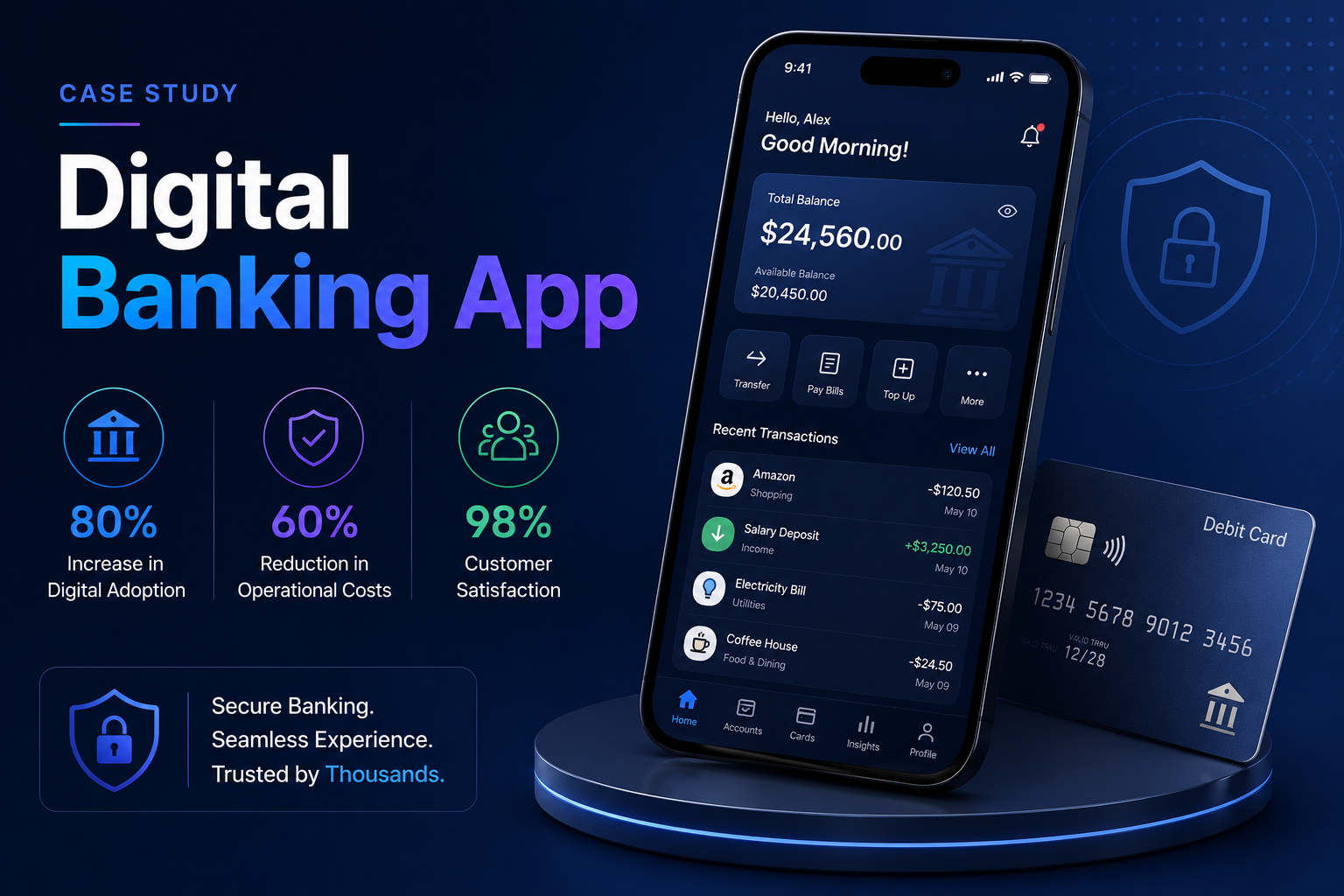
A wearable application runs on a smartwatch or fitness device, either as a companion to a phone app or independently on the watch itself. The platforms have matured considerably: watches now have their own connectivity, app stores, and capable sensors. What has not changed is the interaction budget, which remains the tightest in consumer computing. The conditions below define where a wearable app earns its place.
Users raise a wrist, glance, and act. Anything requiring scrolling, reading, or multi-step input belongs on the phone, and porting a phone interface to a watch is the most common design mistake.
Continuous sensor reading, frequent network calls, and always-on display each consume power the user attributes to your app. Battery complaints translate directly into uninstalls.
Cellular and standalone watch models mean apps can work without a phone present, which changes architecture but also opens use cases for runners, swimmers, and field staff.
Heart rate, movement, sleep, and location data sit under platform health frameworks with explicit user permission and defined handling requirements that shape the data model.
Complications, tiles, and widgets are where most wearable engagement happens. An app nobody opens can still deliver value from the watch face, extending your mobile app development reach.
We scope wearable projects around the single action the user needs on their wrist, because trying to reproduce a phone app on a watch produces something nobody uses. The applications below reflect what health companies, fitness brands, enterprises, and consumer product teams most often bring us.
Continuous or scheduled measurement with threshold alerting and sync to clinical or care platforms, designed so monitoring does not consume the day’s battery.
Workout tracking, coaching prompts, and progress feedback using motion and heart rate sensors, with offline recording for sessions where the phone stays behind.
A focused wrist extension of your phone app exposing the two or three actions users actually need immediately, with the rest deliberately left on the phone.
Actionable alerts with meaningful responses on the wrist, for on-call staff, operational alerts, and time-sensitive information where reaching for a phone costs seconds that matter.
Task confirmation, status updates, and hands-free lookup for staff whose hands are occupied, often more practical than a phone in gloved or sterile conditions.
Watch face complications and tiles surfacing your most important data without the user opening anything, which is where sustained wearable engagement actually lives.
Wearable applications are judged on responsiveness, battery behavior, and whether the right information appears without being requested. The capabilities below are where wearable builds most often go wrong, usually because a phone-first team applies phone assumptions to a device with entirely different constraints.
Sampling rates, batching, and background scheduling designed around power cost, since aggressive sensor use produces immediate battery complaints and uninstalls.
Local storage with conflict-tolerant synchronization for periods out of phone range or offline, so a recorded workout or reading is never lost.
One purpose per screen with information hierarchy readable at arm’s length in a second, rather than dense layouts adapted from a phone interface.
HealthKit and Health Connect integration with correct permission handling, so data is available to the user’s broader health picture rather than trapped in your app.
Watch face and tile surfaces kept current with efficient update scheduling, which is what keeps your product present in the user’s day without requiring app launches.
Clean data and state sharing between watch and phone, with clear ownership of which device holds truth for each data type to avoid conflicts.
Wearable projects need on-device testing from early on, because the constraints that matter cannot be evaluated in a simulator. Battery behavior, glance readability, and sensor accuracy only become clear on real hardware worn through a normal day. Our process builds that in from the first working version.
We identify the single action or piece of information that belongs on the wrist and explicitly define what stays on the phone, which is the decision the project depends on.
Interface design for a seconds-long interaction window, tested for readability during movement rather than reviewed as static screens on a monitor.
Sensor requirements, health framework permissions, and power budget planned upfront, because retrofitting battery efficiency usually means redesigning the data collection.
Implementation with testing on physical watches throughout, since simulators do not reproduce battery drain, sensor accuracy, or real connectivity behavior.
Validation across normal daily use including workouts, sleep, and connectivity gaps, which is the test users effectively run on day one.
App Store and Google Play submission with the additional review considerations health features attract, followed by support through OS and hardware updates.
Wearable applications deliver most reliably where information must reach someone immediately or where the hands are occupied. The sectors below are where we see the clearest value, with continuous health monitoring and frontline work producing the most durable use cases.
Continuous measurement, medication prompts, and symptom logging feeding care team systems, where wrist-based capture produces far better adherence than phone-based entry.
Workout tracking, coaching, and progress feedback, where the watch is the primary device and the phone app is the secondary reporting surface.
Task alerts, confirmations, and lookups for staff in warehouses, hospitals, and field roles where handling a phone is impractical or prohibited.
Activity and wellness programs using wearable data, with consent handling and aggregation designed to meet the privacy expectations participants reasonably hold.
Companion control and status for connected products, giving customers immediate wrist-based interaction without opening a phone application.
Wearable cost is driven by how many platforms you target, whether the app operates independently of the phone, and the depth of sensor and health framework use. A focused companion app on one platform is a modest engagement; an independent health monitoring app across both platforms with clinical integration is considerably larger. Related figures are on our app development cost page.
A defined wrist extension of an existing phone app with agreed actions and complications, delivered against milestones and acceptance criteria set upfront.
An independent watch application with sensor use, offline handling, and sync, scoped with explicit battery targets validated before acceptance.
A named team covering watch, phone, and backend work billed monthly, which suits products where the wearable is central and iterating continuously.
OS updates, new hardware support, battery performance work, and continued development, scoped monthly since both platforms release annually.
Our work and story have been picked up by news outlets and databases worldwide.
As featured on
Cost depends on how many platforms you target, whether the app runs independently of the phone, and how deeply it uses sensors and health frameworks. A companion app on one platform is far smaller than a standalone health monitoring app on both.
A focused companion app typically takes weeks. Standalone apps with sensor use, offline handling, and health integration take a few months, with full-day battery validation on physical hardware adding time that cannot be compressed.
Only if there is a specific action or piece of information users need within seconds without reaching for a phone. If the answer is a shrunken version of your phone app, the honest recommendation is not to build it.
Yes, natively on both, using Swift and SwiftUI for watchOS and Kotlin with Compose for Wear OS. Native access matters more here than on phones because battery behavior and platform surfaces depend on it.
Through sampling rates, batching, and background scheduling planned around power cost from the start, then validated across full-day use including workouts and sleep. Battery efficiency is difficult to retrofit without redesigning data collection.
On cellular and standalone watch models, yes. We build local storage with conflict-tolerant sync so data recorded out of range is never lost, which matters for runners, swimmers, and field staff who leave the phone behind.
Tell us what users need on their wrist, whether you already have a phone app, and which platforms your customers use. We will respond within one business day with a view on wrist scope, battery implications, and a realistic build plan. Book a free consultation through ourcontact page.
Tell us what you’re building. Our team will get back to you within one business day with a clear, no-obligation plan.