
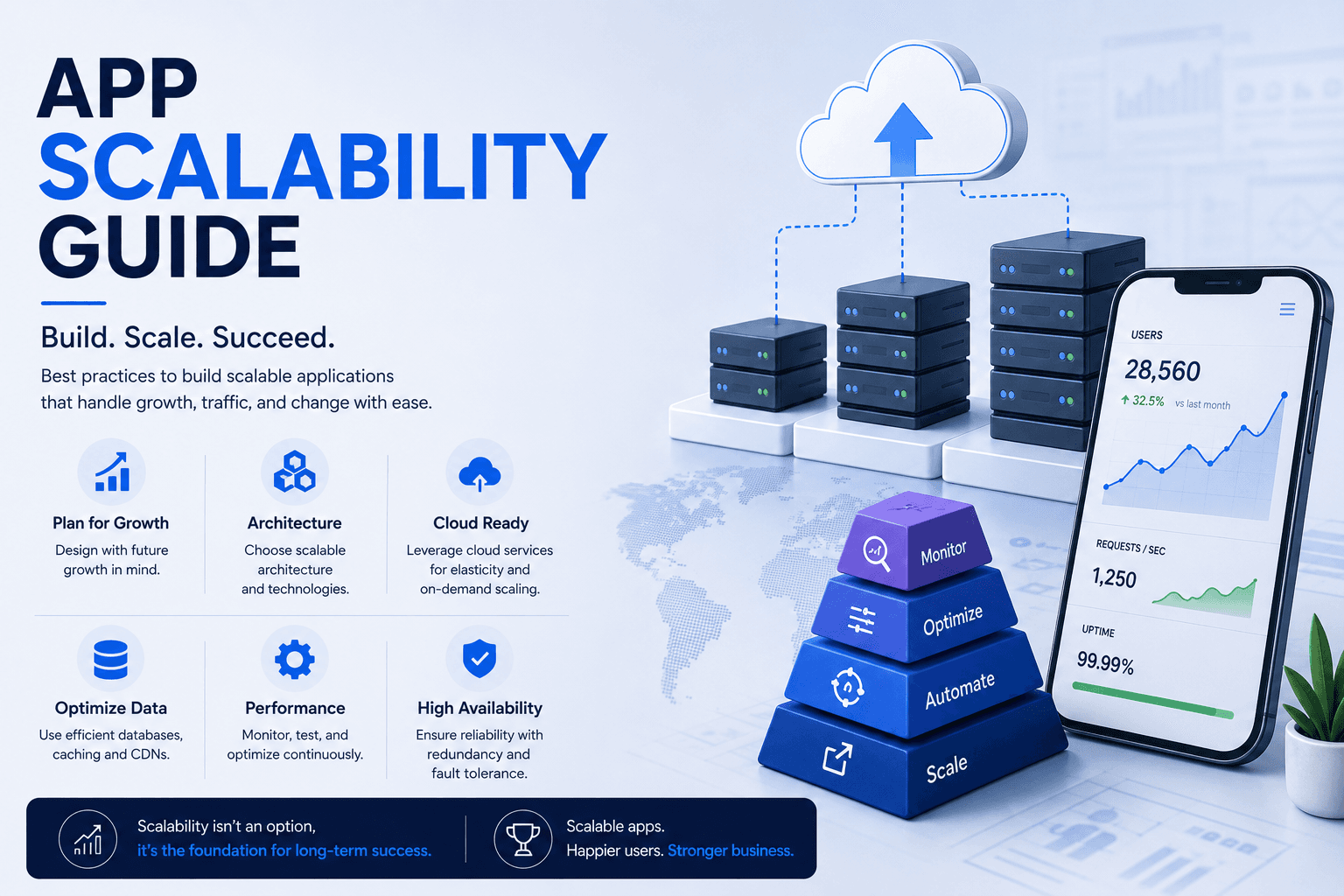
App scalability for mobile products is a different problem from scaling a backend, because the constraint sits on devices you do not control and on networks you cannot improve. An app that performs well for a thousand users can degrade badly at a hundred thousand, not because servers struggle but because chattier clients multiply requests, local databases grow unbounded, and sync conflicts appear that never occurred at low volume. This guide covers client-side limits, API efficiency, sync architecture, and handling the spikes that launches produce.
Managing Client-Side Constraints as Data Grows
Mobile clients degrade in ways that are invisible during development, because test accounts hold little data and test devices are recent. Real accounts accumulate years of records, and a substantial share of users run older hardware with limited memory. Lists that rendered instantly with fifty items stall at five thousand. Local databases that were negligible grow until storage warnings appear. These problems arrive gradually and are best designed against rather than discovered.
Virtualising Long Lists
Render only visible rows rather than the full dataset. Loading entire collections into memory is the most common cause of degradation as accounts mature.
Paginating Everything Retrieved
Fetch data in pages with clear boundaries. Endpoints returning complete collections work acceptably at launch and become unusable as records accumulate.
Bounding Local Storage Growth
Set retention limits on cached data and clear what is no longer needed. Unbounded local databases eventually trigger storage pressure and unexpected eviction.
Managing Image and Media Memory
Decoded images consume far more memory than their file size suggests. Downsample to display dimensions and release aggressively, particularly on constrained devices.
Testing With Realistic Data Volumes
Populate test accounts with data resembling a heavy user after two years. Structured mobile app testing at realistic volumes surfaces these limits before users do.
Designing an Efficient API Layer for Mobile
Mobile clients amplify API inefficiency in ways web clients do not, because each request carries connection setup cost over variable networks and consumes battery. An interface requiring six calls to render one screen produces a visibly slow experience on cellular regardless of server speed. Designing endpoints around screens rather than around database tables reduces round trips substantially, and that reduction is felt directly by users on poor connections.
Shaping Responses Around Screens
Provide what a screen needs in one response rather than requiring clients to assemble it from several resources. This is the single largest mobile performance lever.
Avoiding Over-Fetching
Return only fields the client displays. Large payloads cost bandwidth, parsing time, and memory, all of which are scarcer on mobile than on desktop.
Considering Query Flexibility Carefully
Letting clients request exactly what they need reduces round trips, though it requires cost controls. The REST versus GraphQL trade-off matters more for mobile than for web.
Batching and Deferring Non-Critical Calls
Analytics, logging, and background updates should batch rather than firing individually. Each request consumes battery and competes with what the user is waiting for.
Versioning for Long-Lived Clients
Old app versions persist for months after release. Deliberate API development versioning prevents backend changes breaking installed clients silently.
Building Sync and Offline Behaviour That Holds
Synchronisation problems scale non-linearly. With few users and single devices, conflicts are rare and naive approaches work. With many users, multiple devices, and intermittent connectivity, conflicting edits become routine and a strategy of last-write-wins starts destroying user data. Designing sync properly is difficult, and retrofitting it into an app built without it is substantially harder, which is why the decision belongs in early architecture.
Queueing Writes Locally
Accept user actions immediately and queue them for transmission. Blocking the interface on network availability produces the stalls users describe as the app being broken.
Defining Conflict Resolution Explicitly
Decide how competing edits resolve, whether by timestamp, field-level merge, or user prompt. Undefined behaviour means data loss that surfaces as support tickets.
Syncing Incrementally
Transfer changes since the last sync rather than full datasets. Complete refreshes become prohibitively expensive as accounts grow and are wasteful on metered connections.
Making Sync State Visible
Show users what is pending, synced, or failed. Silent failure erodes trust more than visible, explained delay ever does.
Architecting for Offline From the Start
Where usage involves poor connectivity, offline-first app development is an architectural decision rather than a feature added later.
Handling Growth Spikes and Release Events
Mobile products experience concentrated load in ways continuous services do not. A feature announcement, a marketing campaign, or a store feature drives a spike within hours, and every installed client updating simultaneously creates a pattern the backend never sees during normal operation. Scheduled jobs that fire at the same local time across a user base produce similar concentration. Anticipating these patterns is more effective than reacting to the outage they cause.
Staggering Scheduled Client Activity
Randomise background refresh and notification-triggered fetches. Clients acting simultaneously at a fixed time produce avoidable load concentration.
Planning for Launch and Campaign Spikes
Marketing events drive install and usage surges. Coordinate capacity ahead of them rather than discovering limits during your highest-visibility moment.
Implementing Graceful Degradation
Under pressure, shed non-essential functionality rather than failing entirely. Serving cached content beats returning errors to every user simultaneously.
Protecting Against Retry Storms
Clients retrying failed requests aggressively can prevent a service recovering. Implement backoff so recovery is possible rather than actively obstructed.
Provisioning Elastically
Capacity should follow demand rather than sitting fixed. Appropriate cloud consulting review ensures scaling responds fast enough for spike patterns.
Frequently Asked Questions
When should I think about app scalability?
During architecture, particularly for sync, pagination, and API shape. These are structural decisions that are expensive to change later, whereas tuning and capacity work can reasonably wait until growth makes it necessary.
Why does my app slow down for long-term users?
Because their accounts hold far more data than test accounts do. Lists rendering everything, unbounded local databases, and endpoints returning complete collections all perform acceptably at low volume and degrade as records accumulate.
How do I reduce API calls from a mobile app?
Shape endpoints around screens rather than database resources, so one request supplies what a view needs. Batch non-critical calls such as analytics, and return only the fields the client actually displays.
What is the hardest part of mobile scalability?
Synchronisation. Conflicts are rare at low volume and routine at scale, and naive approaches begin destroying user data once multiple devices and intermittent connectivity are common. It is also the hardest thing to retrofit.
How do I prepare for a launch traffic spike?
Coordinate capacity ahead of the event, implement graceful degradation so non-essential features shed first, and add backoff to client retries so a struggling service can recover rather than being overwhelmed by retries.
Does cross-platform development affect scalability?
Not materially at the architecture level. The constraints that matter, API shape, data volume handling, and sync design, apply equally to native and cross-platform builds and are decided above the framework layer.


