
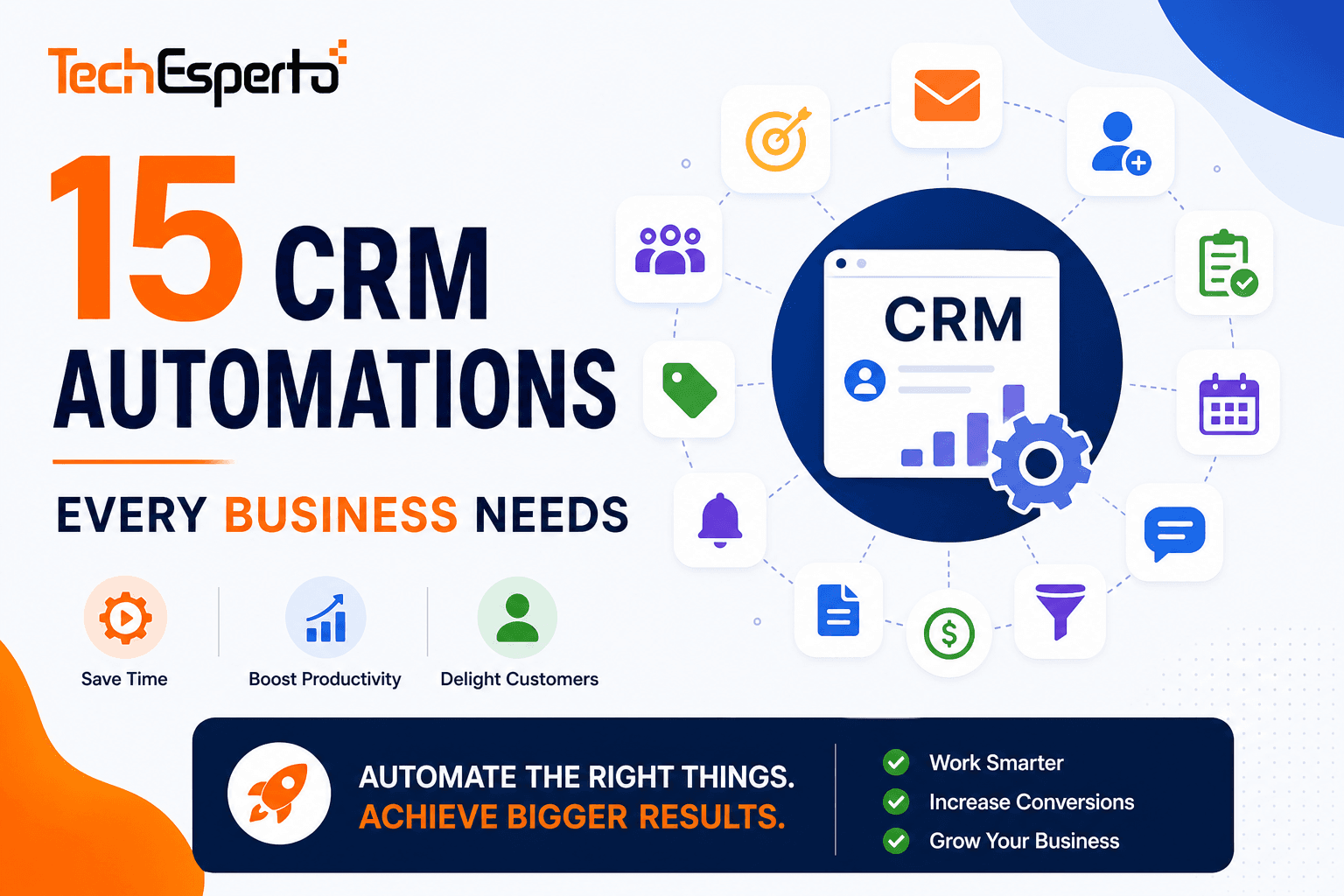
A CRM without automation is a database with a login screen. You’re paying for software that stores data — but doesn’t DO anything with it. Your team still manually assigns leads, manually sends follow-ups, manually checks for stale deals, and manually creates reports.
Automation changes this. Each workflow you build replaces a manual task that your team does hundreds of times per year. 15 automations saving 10 minutes each, triggered 20 times per week = 2,600 hours/year saved — equivalent to 1.3 full-time employees.
Here are the 15 automations every business should have in their CRM — with AI upgrades that make each one dramatically more effective.
Sales Automations
1. Instant Lead Assignment
Standard: When a new lead enters CRM → assign to next available rep (round-robin by team).
AI upgrade: AI lead scoring evaluates the lead instantly. High-score leads go to top closers. Industry-specific leads go to reps with expertise in that vertical. The right rep gets the right lead — not just the next rep in line. Build this with SuiteCRM workflows + Logic Hooks.
2. Speed-to-Lead Response
Standard: New lead → instant acknowledgment email → follow-up call task created (due in 1 hour) → if uncontacted after 2 hours, escalate to manager.
AI upgrade: AI determines the best communication channel per lead (email vs phone vs SMS) based on historical response patterns. Acknowledgment emails are AI-personalized using the lead’s industry and interest signals.
3. Deal Stage Reminders
Standard: When a deal sits at the same pipeline stage for X days → create follow-up task → notify assigned rep → if still stalled after 2X days, alert manager.
AI upgrade: AI predicts which deals are at risk based on velocity patterns — not just time thresholds. A deal stalled for 5 days with no activity gets flagged earlier than one stalled for 5 days with active email exchanges.
4. Quote Follow-Up
Standard: Quote sent → 3-day follow-up task → 7-day reminder → 14-day escalation to manager.
AI upgrade: AI predicts optimal follow-up timing per recipient based on their historical response patterns. Some clients respond on Mondays. Others on Friday afternoons. AI schedules accordingly.
5. Won Deal Celebration & Onboarding
Standard: Deal marked “Closed Won” → congratulations email to team → create onboarding tasks → schedule kickoff call → assign account manager.
AI upgrade: AI analyzes the won deal characteristics and suggests upsell opportunities based on similar closed deals: “85% of clients who bought Product A also purchased Product B within 90 days.”
Marketing Automations
6. Web-to-Lead Capture
Standard: Website form submission → create Lead in CRM → assign to marketing team → add to nurture campaign Target List.
AI upgrade: AI chatbot replaces static forms — qualifying visitors through conversation, creating enriched Lead records with company data pulled from external sources, and scoring the lead before a human ever sees it. Build with SuiteCRM REST API integration. Learn more →
7. Email Nurture Drip Campaign
Standard: Lead added to Target List → Email 1 (Day 0) → Email 2 (Day 3) → Email 3 (Day 7) → Email 4 (Day 14) → Email 5 (Day 21).
AI upgrade: AI determines optimal send time per recipient. AI personalizes subject lines based on recipient’s engagement history. AI pauses the sequence if it detects the lead has engaged with sales content (pricing page, demo request) — and routes to a rep instead of continuing nurture.
8. Campaign ROI Tracking
Standard: Each campaign tracks: emails sent, opened, clicked, bounced, and leads generated. Reports show cost per lead and cost per acquisition.
AI upgrade: AI correlates campaign engagement with downstream revenue — not just lead generation. “Webinar attendees generated $340K in pipeline vs $45K from social ads” is more useful than open rates.
Support Automations
9. Case Auto-Assignment & SLA Tracking
Standard: New case created → auto-assign based on category → start SLA timer → if unresolved after X hours, escalate to tier 2 → if SLA breach approaching, alert manager.
AI upgrade: AI categorizes cases automatically from description text (no manual category selection by customer). AI routes to the agent most likely to resolve it based on expertise and past resolution patterns.
10. Customer Satisfaction Survey
Standard: Case resolved → wait 24 hours → send satisfaction survey → log rating in CRM → if rating below 3/5, create follow-up task for account manager.
AI upgrade: AI analyzes the case conversation for sentiment before the survey goes out. If AI detects frustration, the account manager is alerted immediately — don’t wait for a bad survey score.
11. Knowledge Base Deflection
Standard: Customer portal suggests relevant KB articles when a customer starts creating a case. If they find their answer, no case created — ticket deflected.
AI upgrade: AI search understands intent — “my invoice is wrong” surfaces billing FAQ articles, not generic invoice guides. Natural language understanding dramatically improves deflection rates.
Data & Operational Automations
12. Data Quality Enforcement
Standard: Before record save → validate required fields are filled → standardize phone number format → capitalize names → reject duplicates.
AI upgrade: AI data enrichment fills missing fields automatically — company size, industry, LinkedIn URL, and phone number pulled from external sources when a Lead is created with just a name and email. Build with Logic Hooks + calculated fields.
13. Customer Health Score
Standard: Monthly Scheduler job calculates health score per Account: last activity date, open cases count, deal renewal date, and engagement frequency. Score stored as calculated field. Accounts below threshold flagged.
AI upgrade: AI churn prediction uses behavioral patterns — not just static metrics — to predict which accounts will leave. Sentiment analysis from emails and support cases adds emotional intelligence to the health score.
14. Contract Renewal Reminders
Standard: Contract expiry in 90 days → create renewal opportunity → assign to account manager → 60-day reminder → 30-day escalation → if expired without renewal, alert executive.
AI upgrade: AI predicts renewal probability per account based on health score, engagement patterns, and support history. High-risk renewals get personal executive outreach at 120 days, not just standard 90-day reminders. Essential for insurance renewals, accounting firm engagements, and SaaS subscriptions.
15. Weekly Pipeline Digest
Standard: Every Friday at 5 PM → auto-generate pipeline report → email to sales manager and VP → include: new leads, deals moved, deals won, deals lost, pipeline total.
AI upgrade: AI adds predictive commentary: “3 deals totaling $120K show risk patterns similar to Q2 losses — recommend intervention before Friday.” The report becomes a strategic briefing, not just a data dump.
How to Build These in SuiteCRM
Every automation above is buildable in SuiteCRM using three tools:
Workflow Module (no-code) — handles automations 1–15 in their standard version. Visual builder, unlimited workflows, free.
Logic Hooks (PHP code) — handles AI upgrades, complex multi-module logic, external API calls, and real-time processing.
Scheduler — handles timed automations (weekly reports, nightly health scores, hourly lead rescoring).
All three are free, unlimited, and upgrade-safe when placed in the custom/ directory.
Compare to Monday CRM (250 automations/month on Basic), HubSpot (limited workflows on free/starter), or Copper (no automation below Professional tier). SuiteCRM: unlimited automations, $0.
Get These 15 Automations Built
TechEsperto builds all 15 automations (standard + AI upgrades) as part of every SuiteCRM implementation. For existing SuiteCRM users, we add automations and AI to your current system without disrupting what’s already working.
FAQs
Q: How many automations should I start with? Start with 5 core automations: lead assignment (#1), speed-to-lead (#2), deal reminders (#3), web-to-lead (#6), and data quality (#12). Add more as adoption grows.
Q: Do AI automations require AI expertise? No. TechEsperto handles AI integration. Your team uses AI through normal CRM interfaces — scores on records, alerts on dashboards, suggestions in tasks.
Q: Are automations free in SuiteCRM? Yes — unlimited workflows, unlimited Logic Hooks, unlimited Scheduler jobs. $0 licensing.
Q: How long to build all 15? Standard versions: 2–3 weeks. With AI upgrades: 4–8 weeks. We prioritize by revenue impact — highest-value automations deploy first.
Q: Can you add automations to my existing SuiteCRM? Yes. We audit your current workflows and add new ones — non-destructive to your existing configuration.Contact us →


