
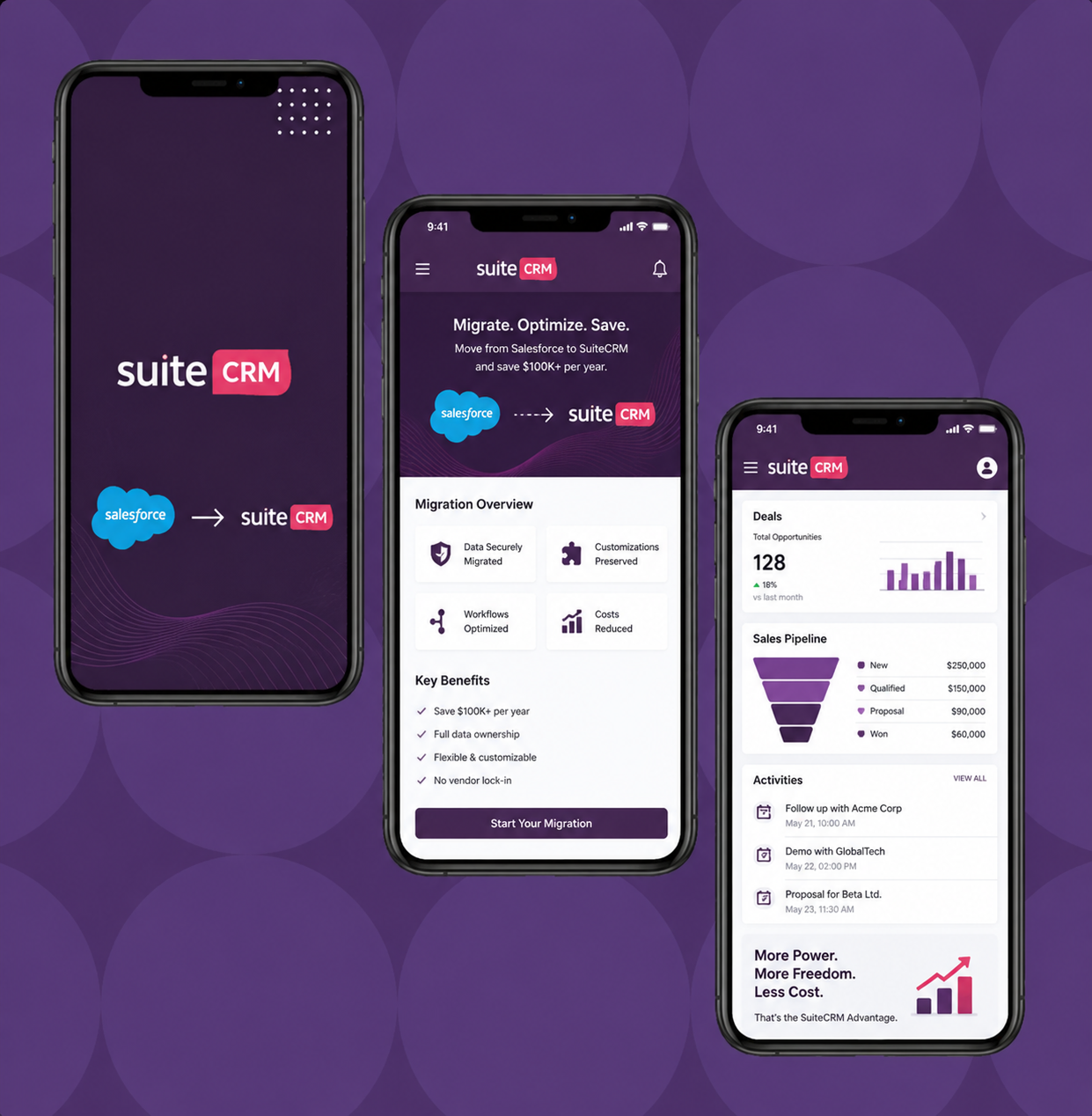
Nobody switches CRM for fun. Businesses leave Salesforce when the cost becomes impossible to justify:
Licensing alone: $25–$330/user/month. A 30-user team on Enterprise: $59,400/year. Add Service Cloud for support agents: another $59,400/year. Add Marketing Cloud: $15,000+/year. Total licensing easily exceeds $133,800/year.
But licensing is just the start. Hidden costs multiply the real bill: dedicated admin salary ($85,000–$110,000/year), Salesforce consultant fees ($15,000–$50,000/year), AppExchange plugin subscriptions ($15,000–$40,000/year), Einstein AI add-ons ($13,200+/year for 22 reps), and storage overages ($3,000–$10,000/year).
Total real cost for 30 users: $264,000–$400,000/year. The Salesforce admin alone costs more than SuiteCRM.
SuiteCRM delivers the same capabilities — sales, marketing, support, AI, unlimited customization — at $0 licensing. Annual cost with hosting + support: $8,000–$18,000/year.
Every record, every relationship, every history — moved with zero data loss:
Standard objects: Contacts, Accounts, Opportunities (with full stage history and activity timeline), Cases, Activities (calls, emails, meetings, notes), Campaigns with engagement data, and Documents/Attachments.
Custom objects: Salesforce custom objects → SuiteCRM custom modules built in Module Builder. Every field, every relationship, every record migrated.
Import order matters: Accounts first → Contacts → Opportunities → Activities → Cases → Campaigns → Custom modules. Relationships preserved at every step. Following our proven data import methodology.
Validation: Record-by-record count comparison. 50 random records spot-checked per module. Relationship verification (Contacts linked to correct Accounts, Activities linked to correct records).
Salesforce automations don’t transfer — but your business logic does:
Salesforce Flows → SuiteCRM Workflows. Visual workflow builder recreates trigger-action automations. Often simpler than the original Flows because SuiteCRM’s workflow engine is more straightforward.
Apex Triggers → Logic Hooks. PHP-based server-side automation replaces Apex. Same functionality, different language. PHP developers cost $40–$120/hour vs Salesforce Apex developers at $150–$400/hour.
Formula Fields → Calculated Fields. Auto-computed values (commissions, margins, scores) recreated in SuiteCRM.
Validation Rules → Studio validation. Required fields, format enforcement, and data quality rules configured in Studio.
Process Builder → Workflows + Logic Hooks. Complex multi-step processes rebuilt with SuiteCRM’s combination of visual workflows and code-level hooks.
Every system connected to Salesforce gets reconnected to SuiteCRM:
QuickBooks/Xero — invoice and payment sync re-established via REST API.
Google Workspace — email, calendar, and contact sync via OAuth 2.0.
Twilio/WhatsApp — click-to-call, SMS, and WhatsApp messaging reconnected.
Zapier/Make — middleware connections redirected from Salesforce to SuiteCRM (often a simple trigger swap).
ERP systems — SAP, NetSuite, or custom ERP reconnected via REST API.
AppExchange replacements: Most paid Salesforce plugins have free equivalents in SuiteCRM — PDF templates (built-in), document generation (built-in), customer portal (built-in), and advanced reporting (built-in).
This is why migration to SuiteCRM is an UPGRADE, not just a cost cut. Most clients add AI capabilities during migration — starting their SuiteCRM journey AHEAD of where they were on Salesforce:
AI lead scoring — trained on your 4+ years of Salesforce historical data. More accurate than Einstein because it’s trained exclusively on YOUR patterns.
Predictive deal analytics — AI flags at-risk deals. Most Salesforce users never configured Einstein properly. On SuiteCRM, we set it up during migration.
AI email assistant — drafts replies, summarizes threads, detects sentiment. Something most Salesforce users paid for but rarely used.
AI chatbot — 24/7 website lead capture creating SuiteCRM records. Wasn’t connected to Salesforce for most businesses.
Self-hosted AI — all processing on YOUR infrastructure. HIPAA and GDPR compliant. Salesforce Einstein can’t offer this.
Adding AI during migration costs 30% less than retrofitting later — the data is already being restructured.
Total: 10–14 weeks for a typical 30-user deployment.
| Phase | What Happens | Timeline |
| Discovery | Audit Salesforce data, map fields, plan migration | Week 1–2 |
| SuiteCRM Setup | Install, configure pipeline, fields, Security Groups, theme | Week 2–4 |
| Data Migration | Export → clean → import → validate | Week 3–6 |
| Automation Rebuild | Flows → Workflows, Apex → Logic Hooks | Week 4–7 |
| Integration | Email, accounting, phone, middleware | Week 5–8 |
| AI Integration | Lead scoring, deal prediction, email AI, chatbot | Week 6–10 |
| Training | Role-based sessions for all users | Week 9–11 |
| Go-Live | Parallel run → cutover → post-launch support | Week 10–12 |
Migration pays for itself within 2–3 months. Full cost comparison → | Salesforce hidden costs → | Cost calculator →
| Cost Category | Salesforce (Current) | SuiteCRM + AI (After Migration) |
| Annual licensing | $59,400–$133,800 | $0 |
| Hosting | Included | $2,400–$6,000/year |
| Admin salary | $85,000–$110,000 | $0 (support package instead) |
| Consultants | $15,000–$50,000/year | Included in support |
| AppExchange | $15,000–$40,000/year | Most features built-in |
| AI | In licensing (Einstein) | $5,000–$25,000 one-time |
| Annual total | $264,000–$400,000 | $8,000–$18,000 |
| Migration cost | — | $15,000–$35,000 one-time |
| Year 1 savings | — | $210,000–$350,000 |
| 3-year savings | — | $700,000–$1,100,000 |
The #1 migration fear: “My team won’t adapt.” In practice, adoption IMPROVES after switching from Salesforce to a properly configured SuiteCRM:
Simpler interface. SuiteCRM with a modern theme and simplified layouts is easier to use daily than Salesforce’s 6-layer security model and Flow Builder complexity.
AI gives users a reason to engage. AI-powered dashboards showing priority leads, at-risk deals, and suggested actions make CRM actively useful — not just a data entry tool.
Role-based training ensures every user knows exactly how to do their job in the new system before cutover.
Typical adoption: 55% on Salesforce → 85–92% on SuiteCRM (properly configured + themed + AI).
Healthcare | Insurance | Manufacturing | Construction | Recruitment | Automotive | Legal | Education | Nonprofits | Accounting | Retail | Real Estate
Tell us your Salesforce edition, user count, custom objects, and AppExchange plugins. Within 48 hours, you’ll receive: migration complexity estimate, timeline, cost range, AI recommendations, and projected annual savings.
No obligation. No pressure. If Salesforce is genuinely the right platform for you, we’ll say so.
As the Official SuiteCRM Professional Partner with 150+ migrations completed, TechEsperto provides the safest, fastest path from Salesforce to SuiteCRM + AI.
Get your free migration assessment → | Migration services → | Email: info@techesperto.com
Also migrate from: HubSpot | Zoho | Dynamics | SugarCRM | Pipedrive | Copper