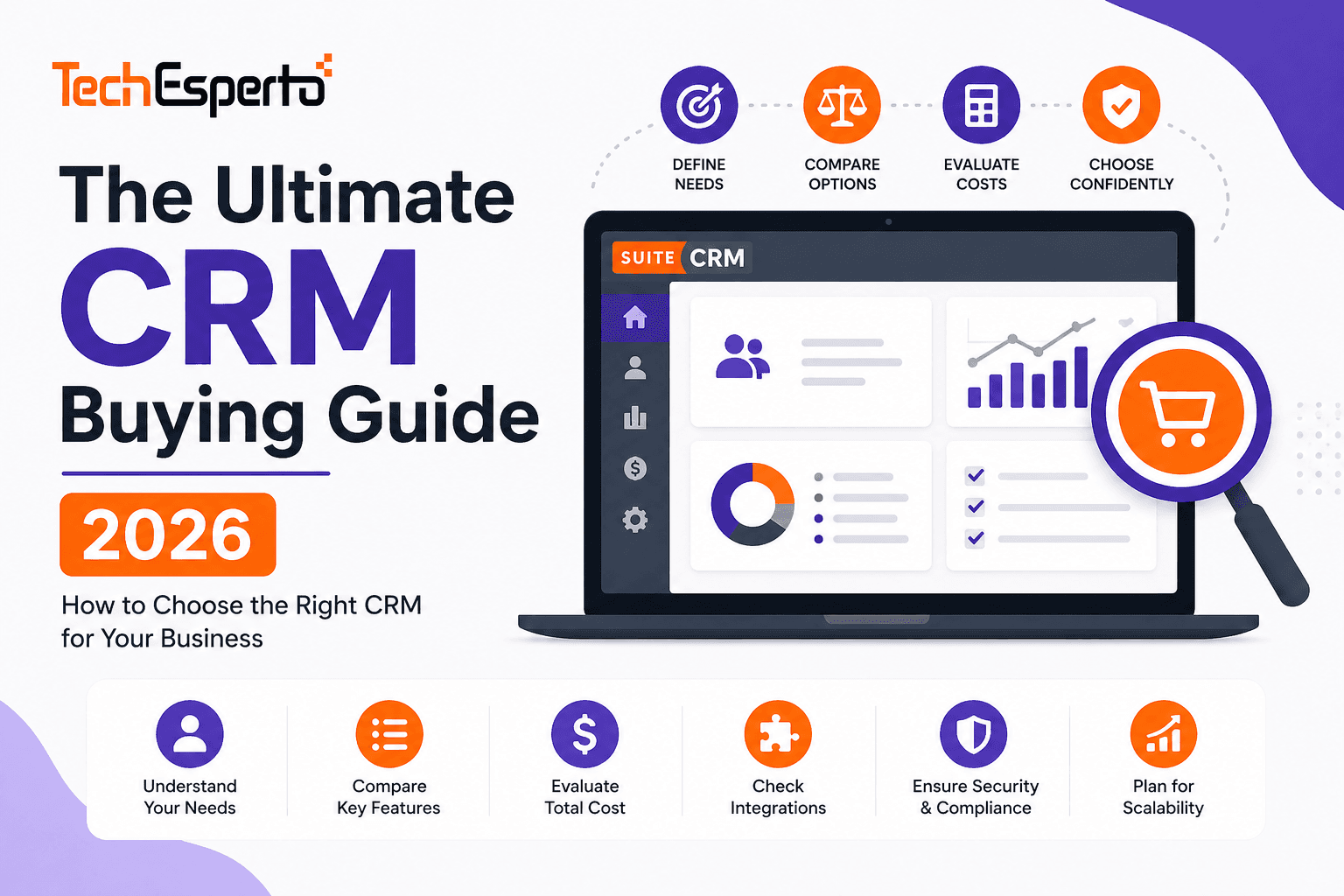
Choosing the wrong CRM costs more than the subscription fee — it costs months of implementation time, thousands in customization that doesn’t fit, frustrated teams who abandon the system, and the opportunity cost of running your business on the wrong foundation. The right CRM accelerates your entire operation. The wrong one becomes the most expensive software you never use.
This guide walks you through every decision point: what you actually need, which deployment model fits, how to evaluate features against your real workflows, how pricing models really work (beyond the headline per-user fee), and how to compare the leading platforms objectively.
Step 1: Define What You Actually Need
Before looking at any CRM platform, answer these questions honestly:
What’s your primary CRM use case? Sales pipeline management (tracking deals from lead to close). Marketing automation (campaigns, lead nurture, scoring). Customer support (cases, ticketing, knowledge base, customer portal). All of the above — a complete customer lifecycle platform. Most small businesses start with sales, then expand. But if you know you need marketing AND support from day one, choose a platform that includes all three — not one that charges separately for each (like SugarCRM, which charges for Sugar Sell + Sugar Serve + Sugar Market as three separate products).
How many users need access? 1–10 users: Any CRM works at this scale. Per-user pricing is manageable. 10–50 users: Per-user fees start adding up. Evaluate total annual cost, not monthly per-seat price. 50+ users: Per-user pricing becomes a major budget line item. Consider open-source CRM where licensing is free regardless of user count.
What industry are you in? Some industries have unique CRM requirements that generic platforms can’t handle without significant customization: healthcare (patient management, HIPAA compliance), real estate (property tracking, agent pipelines), manufacturing (order-to-production, ERP integration), insurance (policy management, renewals, commissions), construction (bid tracking, subcontractor management), automotive (vehicle inventory, F&I, service reminders), recruitment (candidate + client + job order pipelines), travel (trip planning, supplier management, traveler profiles), accounting firms (engagement tracking, tax deadline automation), field service (work orders, dispatch, equipment tracking), legal (matter management, client confidentiality), education (admissions, student lifecycle, alumni), and nonprofits (donor management, grants, volunteers).
If your industry has specialized needs, prioritize CRMs with deep customization capabilities — you’ll need them.
Step 2: Understand Deployment Models
Cloud/SaaS CRM
The vendor hosts everything. You access via browser and pay per-user per-month. Examples: Salesforce, HubSpot, Zoho, Pipedrive, Copper.
Pros: Fast setup (days), vendor handles updates and security, accessible from anywhere. Cons: Recurring per-user fees that grow forever, limited customization within vendor’s framework, your data on their servers, and vendor lock-in.
Self-Hosted CRM
You install the software on your own infrastructure (cloud VPS, on-premise server, or managed hosting). Example: SuiteCRM.
Pros: Zero licensing fees (for open source), complete data ownership, unlimited customization, no vendor lock-in. Cons: Requires server management (or a managed hosting provider), initial setup takes longer, and you handle upgrades.
The Hybrid Approach
Use a self-hosted CRM with a professional partner handling hosting, maintenance, and support — combining the control of self-hosting with the convenience of managed service. TechEsperto provides this through SuiteCRM support packages.
Step 3: Evaluate Core Features
Every CRM should handle these fundamentals. The question is how well, and whether you’re paying extra for them:
Contact & Account Management
The foundation. How easy is it to create, search, find, and link contacts to companies? Can you add custom fields for your industry? Is the search fast with 10,000+ records? SuiteCRM provides unlimited custom fields, layouts, and relationships through Studio — no code required.
Sales Pipeline
How customizable are the stages? Can you have multiple pipelines for different products or regions? Does the pipeline support probability-weighted forecasting? Are there automated notifications when deals stall? SuiteCRM allows unlimited custom pipelines with workflow automation at every stage.
Reporting & Dashboards
Can you build custom reports across any module, or are you limited to pre-built templates? Can reports be scheduled and emailed automatically? SuiteCRM’s reporting engine provides fully custom cross-module reports — free. Many SaaS CRMs gate advanced reporting behind premium tiers.
Marketing Automation
Is email marketing included or a separate product? Can you build target list segments, create web-to-lead forms, and track campaign ROI? SuiteCRM includes all of this in the base platform. HubSpot charges $800+/month. SugarCRM charges $1,000/month as a separate product.
Customer Support
Are Cases, Knowledge Base, and a customer portal included? Or do you pay separately for a service module? SuiteCRM includes the complete support suite free. Salesforce charges $25–$300/user for Service Cloud as a separate product.
Workflow Automation
Are automations unlimited or capped by plan? Can you trigger emails, field updates, record creation, and task assignment without code? Do automation limits force tier upgrades? SuiteCRM’s workflow engine is unlimited and free. Monday CRM caps automations at 250–25,000/month depending on plan.
Custom Modules
Can you create entirely new data structures for industry-specific needs? Or are you limited to custom fields on existing modules? SuiteCRM’s Module Builder creates fully custom modules — free, no-code. Most SaaS CRMs limit you to custom fields and objects within their framework.
Integration
Does the CRM have a robust API for connecting to accounting software, email platforms, telephony, and your industry-specific tools? Can you use middleware like Zapier or Make for no-code integrations? Does it connect to Google Workspace or Microsoft 365?
Mobile Access
Is there a native mobile app? Does it support offline access? Can field teams update records, log calls, and view pipelines from their phones? TechEsperto’s SuiteCRM Mobile App provides native mobile CRM access.
Step 4: Understand Real Pricing
CRM pricing is designed to look cheap and become expensive. Here’s what to watch for:
Per-user fees compound. $50/user/month × 30 users = $18,000/year — every year, forever. Factor in annual price increases (most SaaS vendors raise prices 5–10% yearly).
Feature tiers force upgrades. The “basic” plan never has what you need. Advanced reporting, automation, security groups, and API access are typically on higher tiers. Evaluate the tier that actually has your required features, not the cheapest tier.
Separate products add up. Some vendors sell sales, marketing, and service as separate products. SugarCRM charges separately for Sell, Serve, and Market. HubSpot bundles are cheaper than individual Hubs but still expensive.
Contact limits create surprise costs. HubSpot charges by contact count for marketing. Copper CRM caps contacts per tier (1,000 on Starter, 15,000 on Professional). SuiteCRM has no contact limits.
Implementation isn’t free. Every CRM needs configuration. SaaS CRMs often require paid consulting for proper setup. SuiteCRM implementation costs $5,000–$15,000 one-time but eliminates recurring licensing forever.
Read our SuiteCRM pricing guide and cost savings analysis for detailed TCO comparisons.
Step 5: Compare Leading Platforms
We’ve published detailed comparison guides for every major CRM:
| Platform | Key Strength | Key Weakness | Guide |
| SuiteCRM | Free, unlimited, fully customizable | Requires setup effort | Features |
| Salesforce | Market leader, vast ecosystem | $25–$330/user + add-ons | Comparison |
| HubSpot | Free tier, polished UX | Expensive at scale | Comparison |
| Zoho CRM | Affordable suite | Less customizable | Comparison |
| Odoo | CRM + ERP combined | Community edition limited | Comparison |
| Freshsales | AI + ease of use | Limited at scale | Comparison |
| Pipedrive | Best pipeline UX | Sales-only, no marketing/support | Comparison |
| Dynamics 365 | Microsoft ecosystem | Complex, expensive | Comparison |
| Bitrix24 | All-in-one workspace | CRM depth limited | Comparison |
| vTiger | SugarCRM heritage | Open source edition stripped | Comparison |
| Monday CRM | Visual, no-code | Automation caps, sales-only | Comparison |
| EspoCRM | Modern lightweight UI | Fewer features, smaller community | Comparison |
| SugarCRM | AI-powered enterprise | $59–$135/user, 15-user min | Comparison |
| Copper | Deepest Google integration | Google-only, contact caps | Comparison |
Step 6: Plan for Implementation
Buying CRM software is 20% of the project. Implementation is 80%. Plan for:
Data migration. Your existing contacts, deals, and history need to move cleanly. Follow our data import guide for the correct import order and cleaning procedures.
Configuration. Custom fields, pipeline stages, workflow automation, security groups, and email setup take time to get right.
Integration. Connecting CRM to email, accounting, telephony, and other tools requires planning.
Training. The best CRM fails without proper user adoption. Budget for role-based training and a 30-day adoption plan.
Ongoing support. CRMs aren’t “set and forget.” Business processes evolve, new users join, and features need optimization. Plan for ongoing support.
Step 7: Consider a Partner
CRM implementation is complex enough that most businesses benefit from professional help — whether that’s a Salesforce consultant, a HubSpot agency, or a SuiteCRM partner. The right partner accelerates implementation, prevents costly mistakes, and ensures your CRM actually matches your business processes.
As the world’s only Official SuiteCRM Professional Partner, TechEsperto provides consulting, implementation, customization, development, integration, training, and ongoing support for SuiteCRM deployments worldwide.
Learn how to choose the right SuiteCRM partner for your project.
Contact usfor a free CRM consultation — we’ll help you evaluate whether SuiteCRM fits your needs before you commit.